Hero Image PLUS
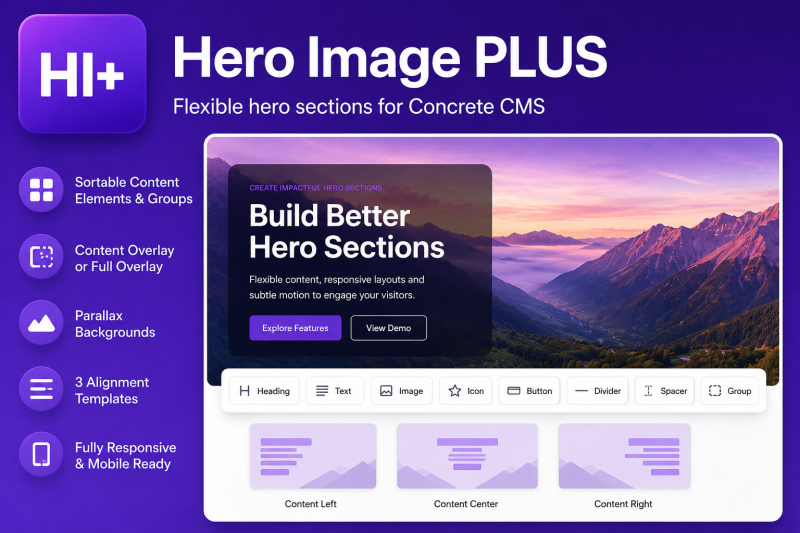
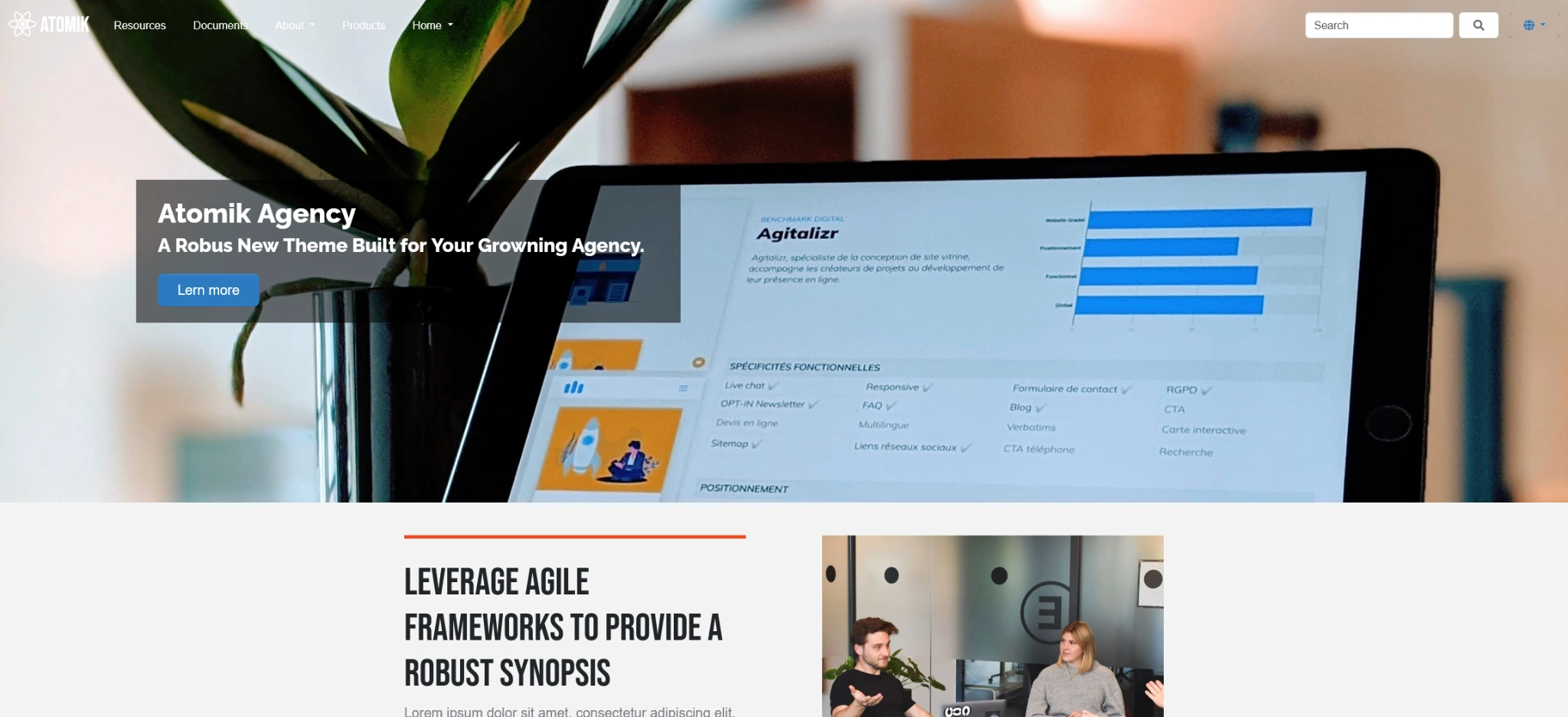
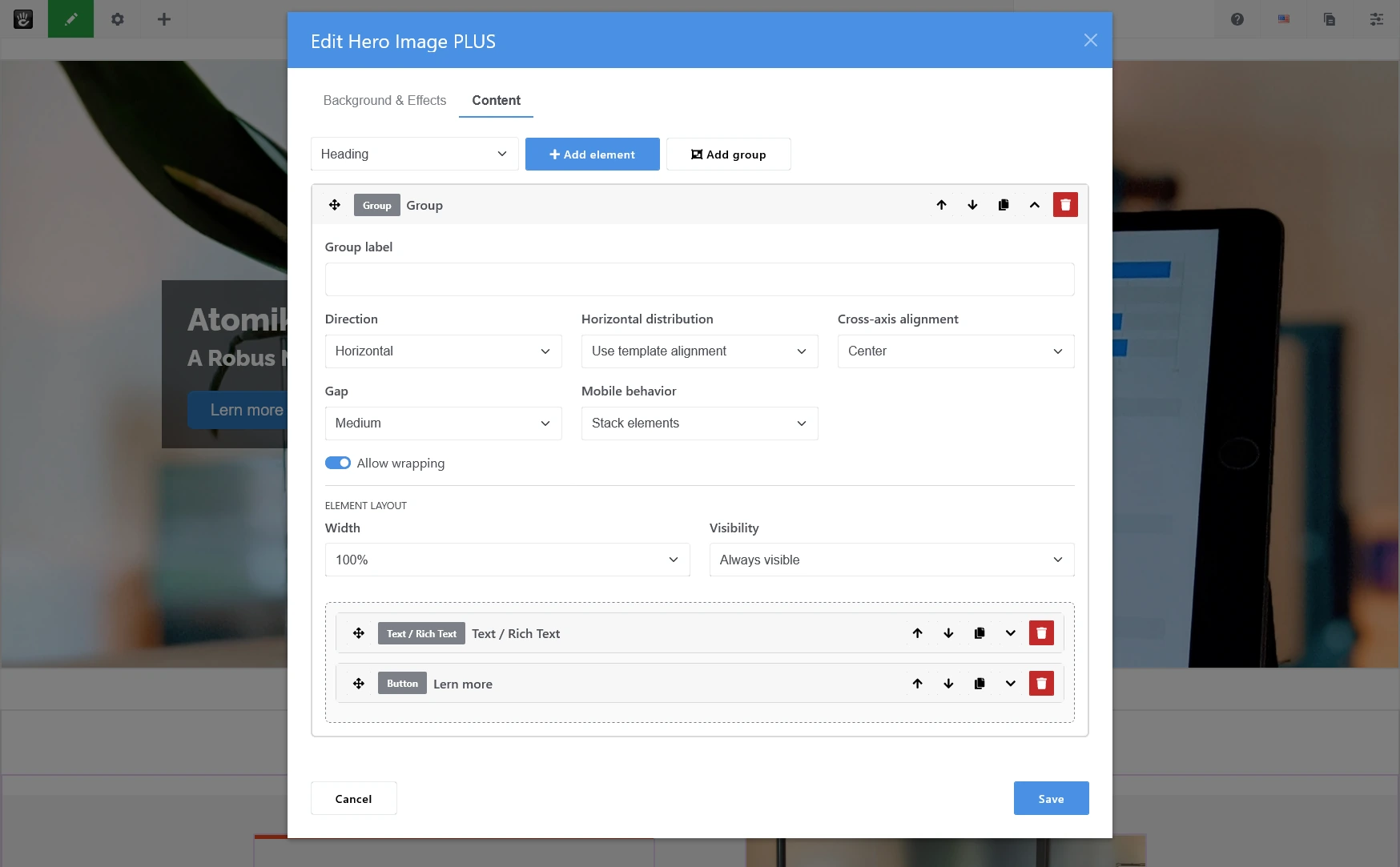
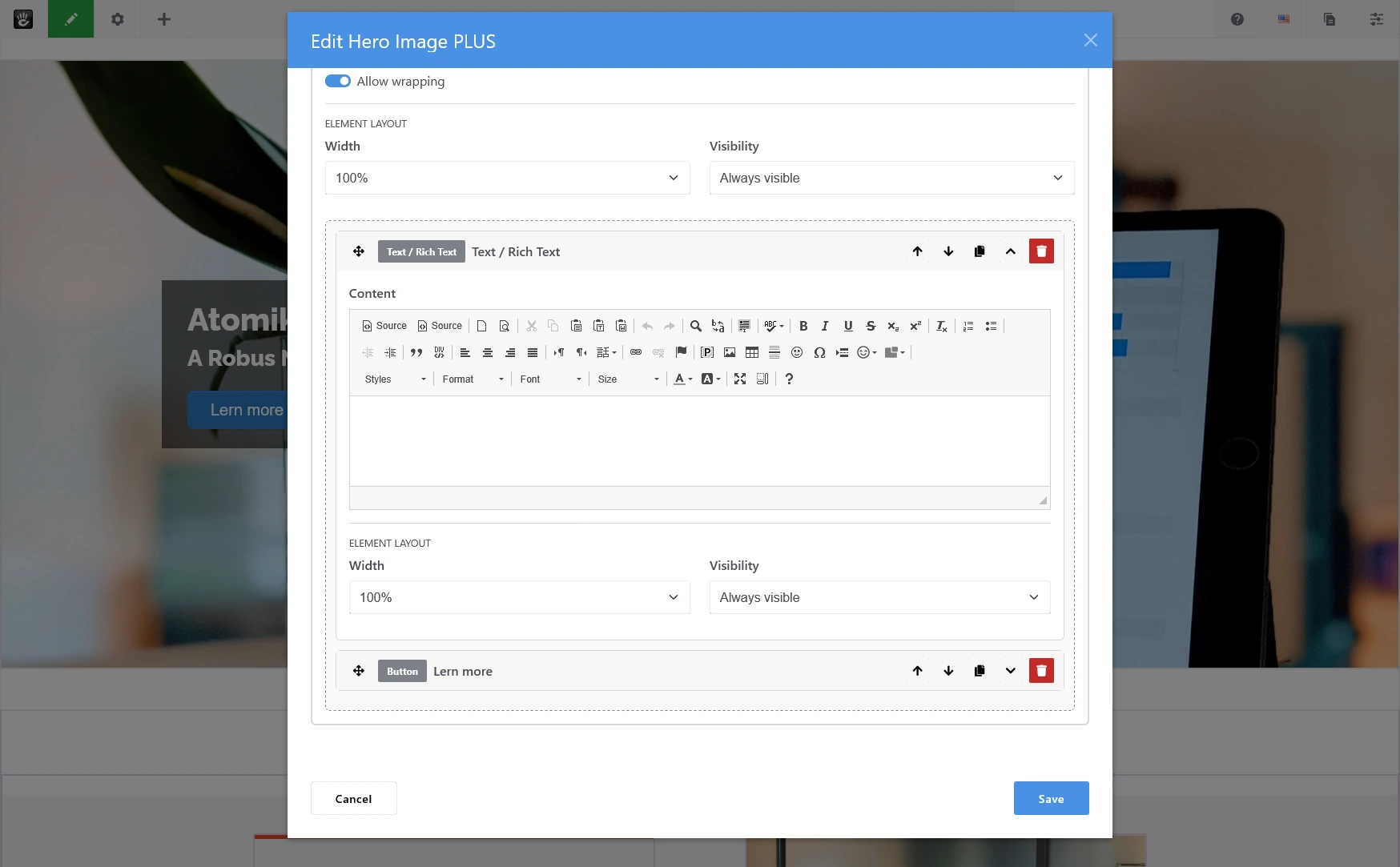
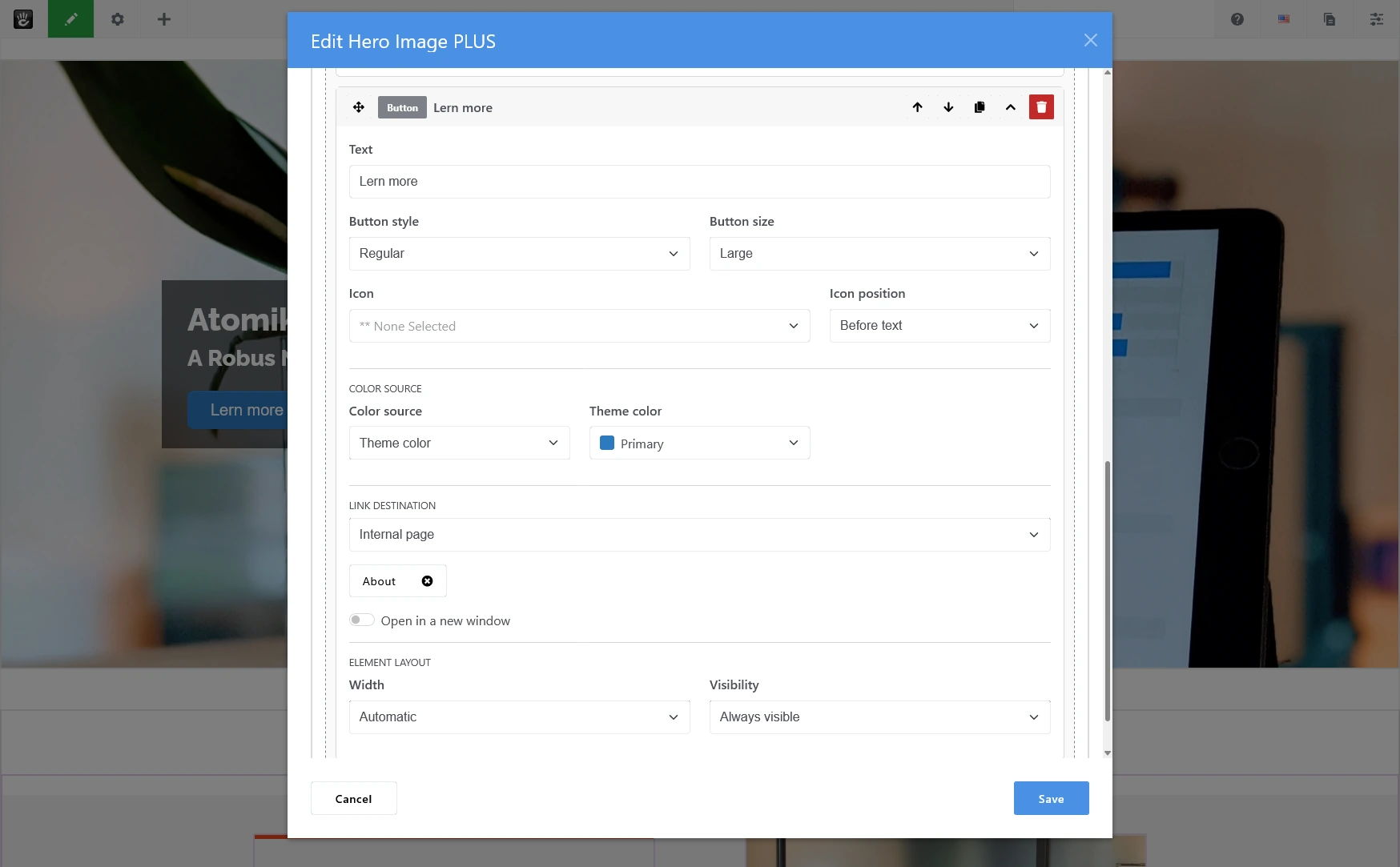
Create advanced hero sections with sortable content elements, responsive groups, full or content-only overlays, alignment templates, and optional parallax backgrounds.
Hero Image PLUS provides a flexible, standalone hero and banner block for Concrete CMS 9.5 and newer.
The add-on extends the familiar hero image concept with sortable content elements, responsive groups, separate background and content overlays, three alignment templates, and an optional scroll parallax effect. Editors can build structured hero sections without modifying theme files or writing custom code.
Hero Image PLUS does not replace or modify the Concrete CMS core Hero Image block. It installs an independent block type and does not modify Concrete CMS core files.
Main Features
- Sortable heading, rich-text, image, icon, button, spacer, and divider elements
- Single-level responsive groups for arranging multiple elements
- Drag-and-drop movement between the main content list and groups
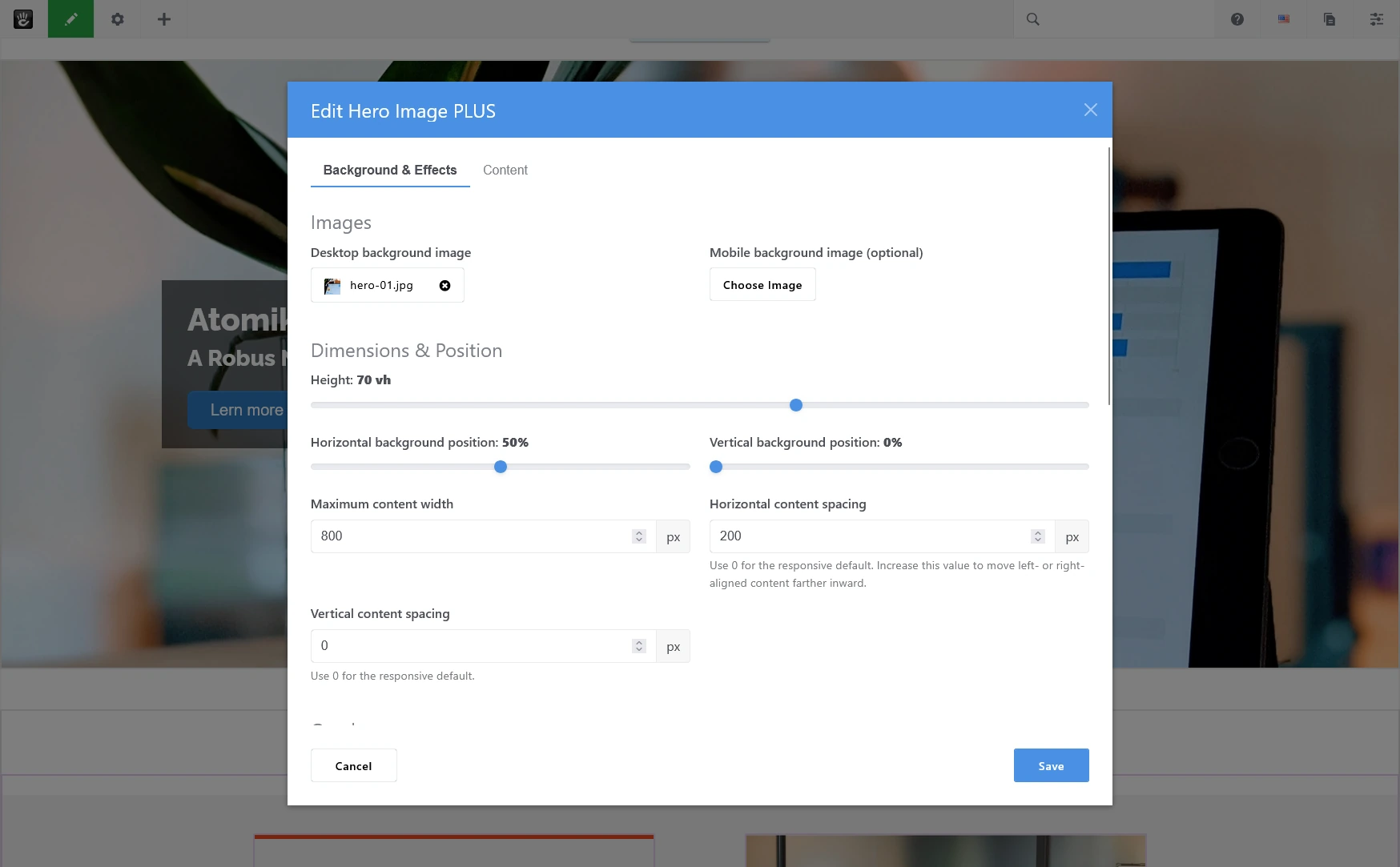
- Desktop and optional mobile background images
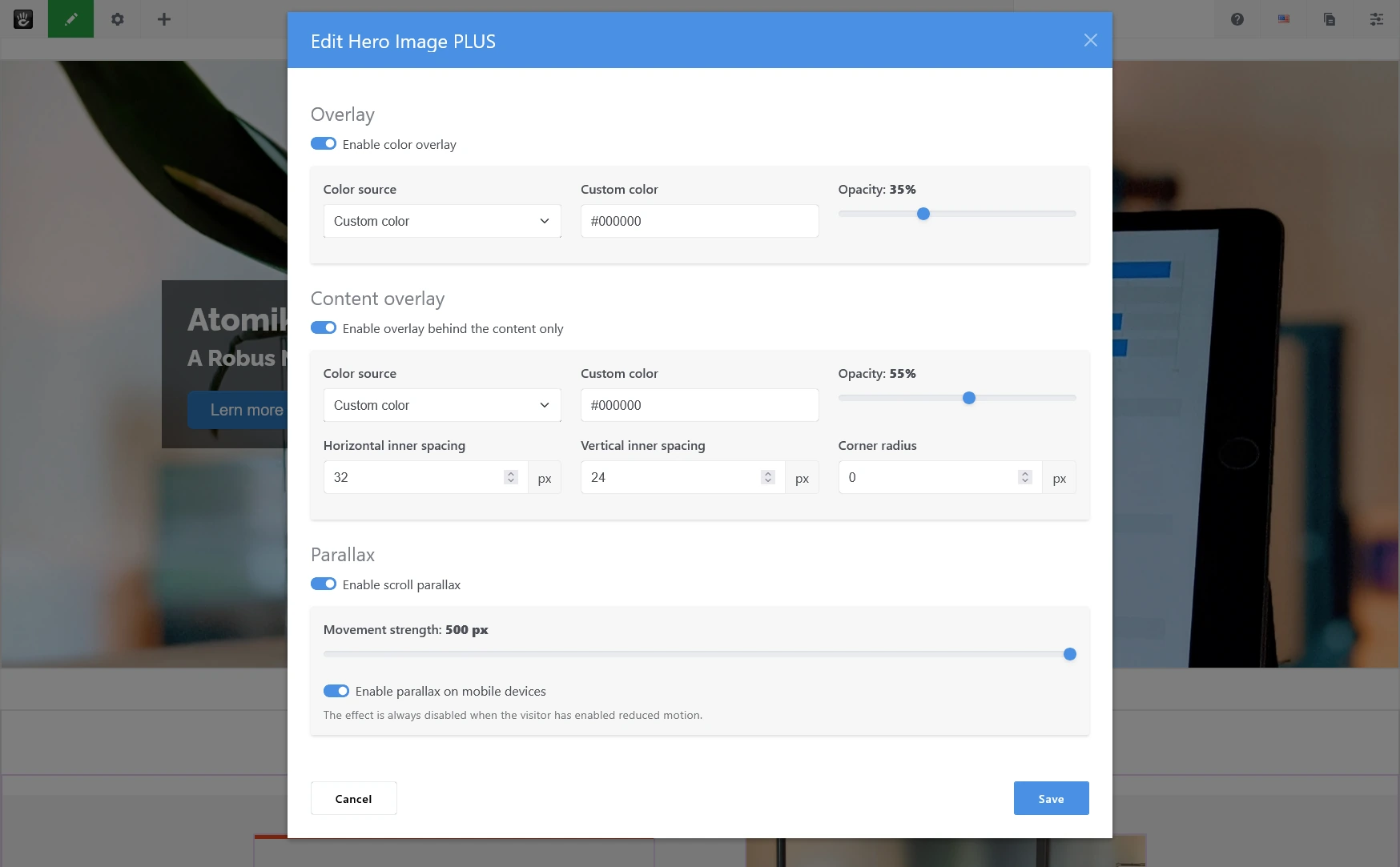
- Full-background and content-only overlays
- Theme colors or custom HEX, RGB, and RGBA colors
- Configurable height, background position, content width, and content spacing
- Optional scroll parallax with a movement setting from 0 to 500 pixels
- Left, centered, and right-aligned custom templates
- Internal page, file, external URL, and anchor links
- Responsive element widths and desktop/mobile visibility controls
- English source language and an included German translation
Flexible Content Elements
Any number of supported content elements can be added and reordered.
The Heading element provides H1 through H6 selection, color settings, and an optional link. For formatted headings or more complex inline formatting, the Rich Text element uses the configured Concrete CMS editor.
Image elements support alternative text, optional title text, lazy loading, responsive or constrained sizing, optional cropping for raster images, an optional hover image, and an optional link.
Icon elements use the Concrete CMS icon picker and support size, color, an optional link, and an accessible label.
Buttons support regular, outline, and link presentation, small, normal, and large sizes, optional icons before or after the label, theme or custom colors, and all supported link destinations.
Spacer and Divider elements provide simple layout controls without requiring custom markup.
Responsive Groups
Elements may be placed directly in the main content list or inside a group. Groups can arrange their children horizontally or vertically, control wrapping, alignment, distribution, width, and spacing, and optionally stack their contents on mobile devices.
Groups cannot contain other groups. This keeps the editing interface and frontend structure predictable.
Elements can be moved between the root list and groups using drag and drop. Move-up and move-down controls are also available.
Backgrounds and Overlays
Each block can use a desktop background image and an optional separate mobile background image.
Editors can configure:
- Hero height in viewport units
- Horizontal and vertical background position
- Maximum content width
- Horizontal and vertical content spacing
- Full-background overlay color and opacity
- Content-only overlay color and opacity
- Content-overlay inner spacing and corner radius
Colors may come from the active theme color collection or from a valid custom HEX, RGB, or RGBA value.
Parallax
Scroll parallax can be enabled separately for each block. Movement strength is configurable from 0 to 500 pixels, and mobile parallax can be enabled or disabled.
The frontend limits movement to the available vertical image overflow so the effect does not expose empty areas or force excessive image scaling. The effect is disabled automatically when the visitor has enabled reduced motion.
Templates
Three custom templates are included:
- Content Left
- Content Center
- Content Right
Templates are selected through Concrete CMS under Design & Custom Template. They control the primary content alignment while preserving the same block data and element configuration.
Links
Heading, image, icon, and button elements support:
- No link
- Internal Concrete CMS page
- File from the file manager
- External URL
- Anchor on the current page
Links can optionally open in a new window. New-window links include safe relationship attributes, and external URLs are sanitized before output.
Images and SVG Files
Raster images support responsive, full-size, or constrained output. Constrained raster images may be cropped when both maximum width and height are provided.
SVG files are displayed from the original file, cannot be cropped, and do not use the hover-image swap. This follows the behavior of the Concrete CMS core Image block.
Theme Compatibility
Hero Image PLUS requires a Bootstrap 5-compatible frontend theme and is optimized for the Concrete CMS Atomik theme.
The block uses the active theme color collection, Concrete CMS typography and imagery features, the file manager, the rich-text editor, the icon picker, and standard link APIs.
The frontend output includes Concrete CMS's standard transparency marker. When a compatible navigation block supports that marker and the hero is the leading page element, transparent navigation can be displayed above the hero.
Multilingual Behavior
English is the source language. A compiled German translation is included. The German package and block name is “Banner Bild Plus.”
User-entered content is stored unchanged. Separate localized block instances should be used when content differs between language sections.
Accessibility and Security
- Editors explicitly select heading levels.
- Images support alternative text.
- Icons support accessible labels or may remain decorative.
- Parallax respects the reduced-motion preference.
- External URLs are sanitized.
- New-window links use
noopener noreferrer. - File access is validated when the block is saved.
- Output values are normalized and escaped where appropriate.
Requirements
- Concrete CMS 9.5.0 or newer within the 9.x line
- PHP 8.2 or newer
- A Bootstrap 5-compatible frontend theme
- JavaScript enabled for the block editing interface and parallax effect
License
Hero Image PLUS is a free extension released under the MIT License.
Copyright (c) 2026 Daniel Lennartz alias LennDa
Also Check Out
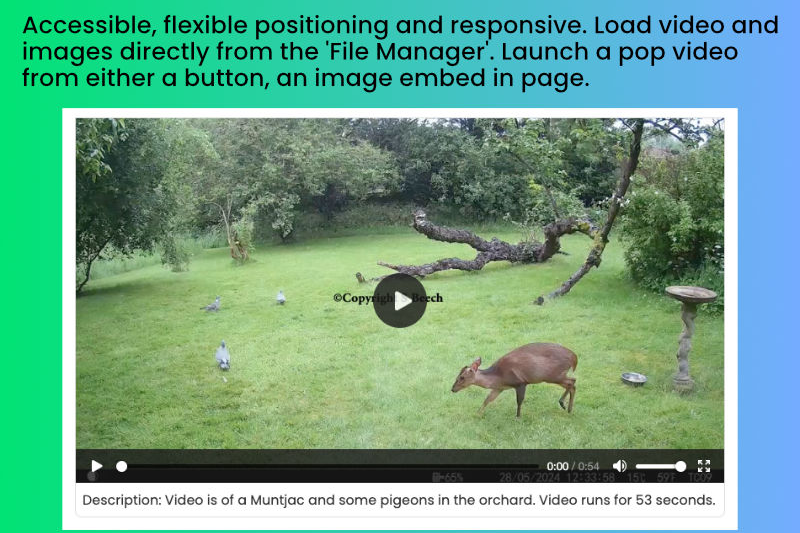
MP4 Player
Accessible responsive MP4 player with the option to embed video on the page or use either an image or button to launch a pop up player.
Author

Also Check Out
MP4 Player
Accessible responsive MP4 player with the option to embed video on the page or use either an image or button to launch a pop up player.