CKEditor Dark Mode Toggle
Adds a Dark Mode Toggle to Rich Text Editor (CKEditor)
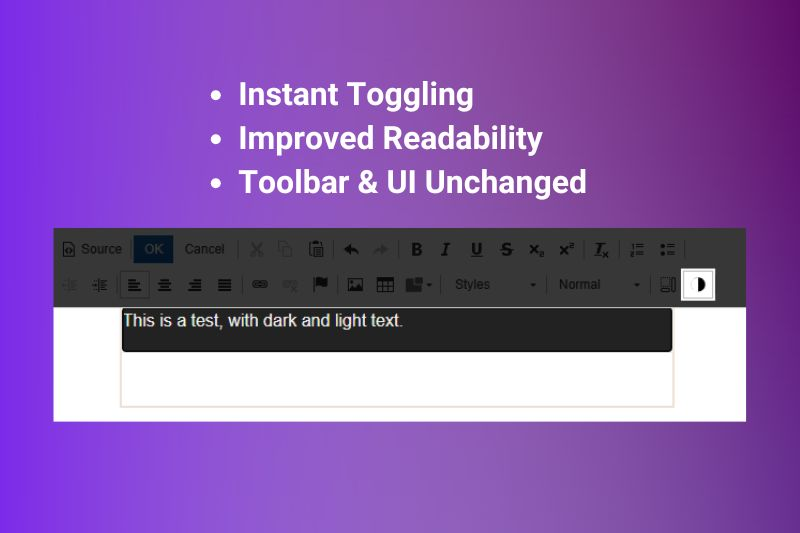
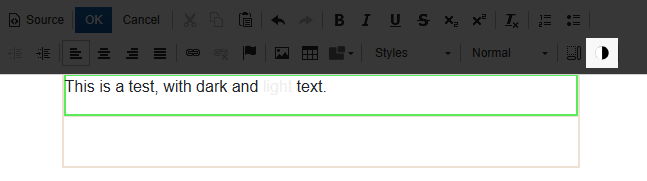
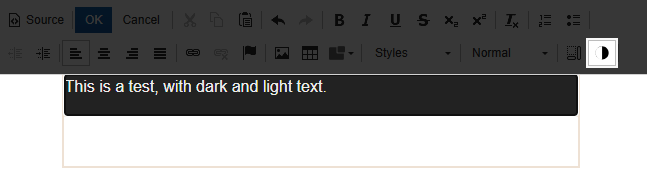
This package enhances the experience of the Rich Text Editor used by ConcreteCMS (CKEditor) by adding a dedicated toolbar button that allows editors to toggle the background of the editable content area between the default and a dark appearance.
- Instant Toggling: easily switch the Rich Text Editor background between default mode and dark mode with a single click of the new toolbar button
- Improved Readability: edit light contents using a dark background
- Toolbar & UI Unchanged: this toggle only affects the editable area. The surrounding editor toolbar and the ConcreteCMS interface remain in their standard mode, ensuring consistent application navigation.
Usage
Once the package is installed, you can activate/deactivate the "Dark Mode Toggle" plugin in the System & Settings > Basics > Rich Text Editor dashboard page.
When the plugin is activated, you'll see a new icon (a circle split vertically into a white half and a black half) in the editor toolbar that, if clicked, lets you toggle the dark background.
Configuration
Bu default, the plugin will change the background color to black and the text color to white.
If you need to change these colors, you can create the file application/config/dark_mode_editor/options.php with some contents like this:
<?php
return [
    // Your custom background color
    'backgroundColor' => '#d0d0d0',
    // Your custom background color
    'textColor' => '#00ff00',
];
If you don't want to set the color of the text, you can assign an empty string to textColor:
<?php
return [
    'backgroundColor' => '#d0d0d0',
    'textColor' => '',
];
Credits
This ConcreteCMS package was originally developed by blinkbox.
You can find the source code of this package on GitHub.
Also Check Out

AnveVoice
Add an AI voice assistant to your Concrete CMS site in minutes. Visitors speak naturally in 50+ languages, 24/7.
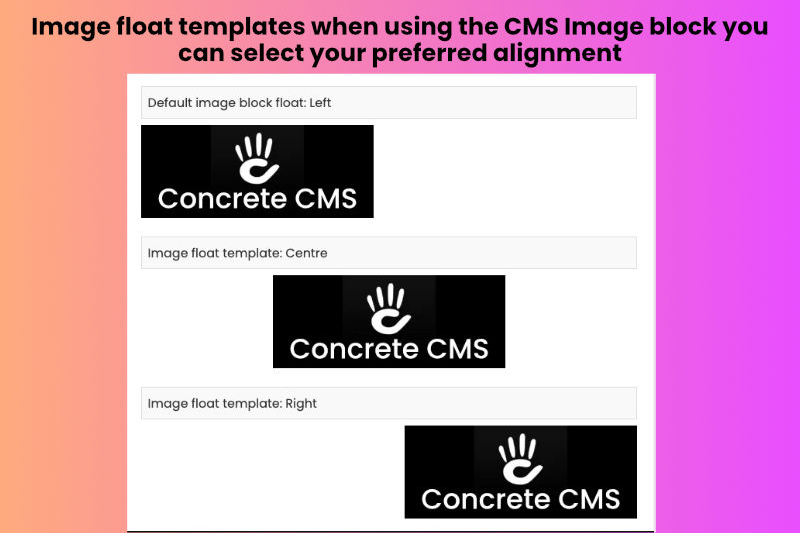
Image Floats
Two image templates for the core image block to float images either to the 'Centre' or 'Right' of a page area.

Author

Also Check Out
AnveVoice
Add an AI voice assistant to your Concrete CMS site in minutes. Visitors speak naturally in 50+ languages, 24/7.
Image Floats
Two image templates for the core image block to float images either to the 'Centre' or 'Right' of a page area.