FormPDF PRO
The ultimate tool for converting Express Form submissions into beautifully designed, professionally formatted PDF documents. Perfect for generating invoices, certificates, applications, and more.
FormPDF PRO
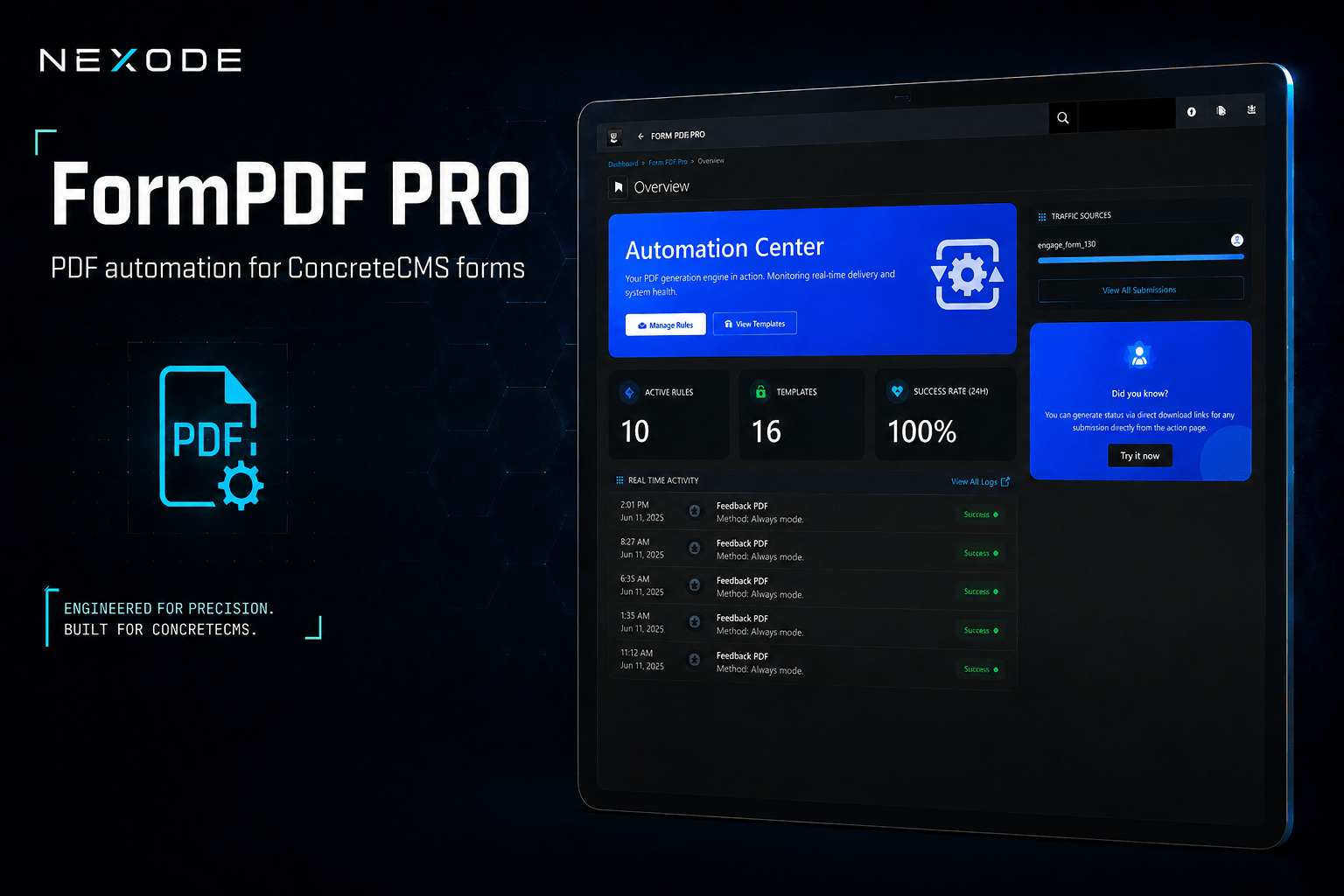
FormPDF PRO goes beyond simple PDF generation. It provides a complete "Automation Center" for your business workflows, ensuring that your automated documents look as professional as your brand.
Connects your Concrete CMS Express forms to fully automated PDF generation. The moment a visitor submits a form on your site, FormPDF PRO can render a branded PDF, save it to your File Manager, email it to your team or the submitter, and hand the visitor a download link — all without a single line of custom code.
Whether you need auto-generated receipts, applications, certificates, quotes, or confirmation documents, FormPDF PRO gives you the tools to design the layout, decide when it should run, and control exactly where the finished file goes.
Key Features
- Visual Rule Builder — Connect any Express form to a PDF template and decide when it should fire: always, or only when specific field conditions match.
- Three Ways to Design a Template — Use the no-code Basic builder, write your own HTML in a full code editor, or point to an external template file. Choose whatever fits your skill level and the document you're building.
- Live Preview & Validation — Generate a preview using sample data or a real submission before you go live, and run a built-in validator that scores your template and flags HTML or token issues before you save.
- Flexible Delivery Pipeline — Save generated PDFs to your File Manager, email them as attachments, or include secure or plain download links — in whatever order your workflow needs.
- Submitter-Facing Download Options — Let visitors download their PDF immediately after submitting, automatically start the download for them, or keep things simple with no PDF access at all.
- Secure, Time-Limited Links — Share PDFs with a signed, expiring download link that works without requiring a login.
- Dynamic Content with Tokens — Pull submission data, form details, dates, and site information directly into filenames, email subjects, and email bodies.
- Submission History at Your Fingertips — Browse every submission tied to a rule, see its generated files, copy secure links, and re-run generation on demand.
- Built-In Execution Logs — Every rule run is logged in detail, including the result of each delivery step, so you always know exactly what happened and why.
- At-a-Glance Dashboard — Check active rules, template counts, your 24-hour success rate, and recent activity from a single overview screen.
How It Works
- Set your defaults. Choose a default paper size and orientation for new templates.
- Design a template. Build your PDF layout with the Basic builder, HTML editor, or an external file, then preview and validate it.
- Create a rule. Pick the form, the template, your conditions, and where the finished PDF should go.
- Test before you launch. Run the rule against a real submission and confirm the result in the execution log.
- Go live. From here on, matching submissions generate and deliver PDFs automatically.
Built for Confidence, Not Guesswork
Form automation tools often fail quietly. FormPDF PRO doesn't. Every rule execution — successful or not — is recorded with a clear message and, when something goes wrong, the specific reason why. Drill into any log to see how each delivery step performed, rerun a rule against an existing submission whenever you need to, and keep a complete history of every generated file without digging through server folders or guessing what happened after a form was submitted.
Who It's For
FormPDF PRO is built for site owners, agencies, and developers who already rely on Concrete CMS Express forms and want submissions to produce something tangible — a confirmation, a contract, an official record — without wiring up custom code or a third-party service for every new form.
Requires: Concrete CMS 9.4 or later.
Also Check Out

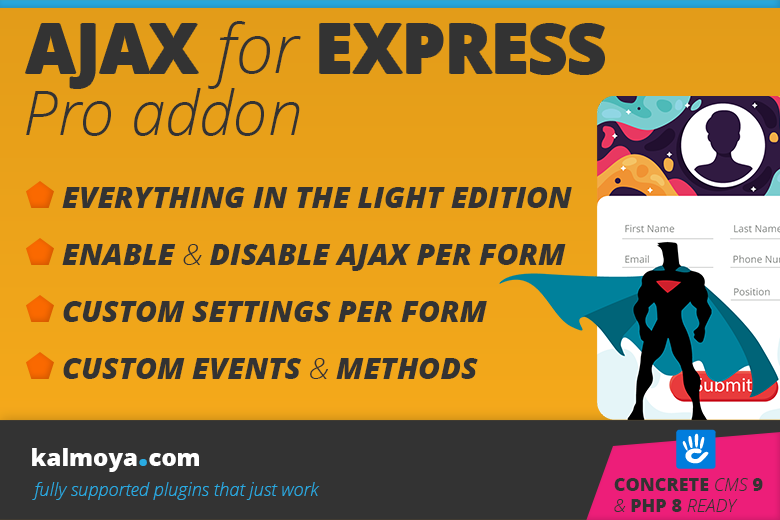
Ajax for Express Forms Pro Addon
The Ajax for Express Forms - Pro Edition is an enhancement add-on for the light version
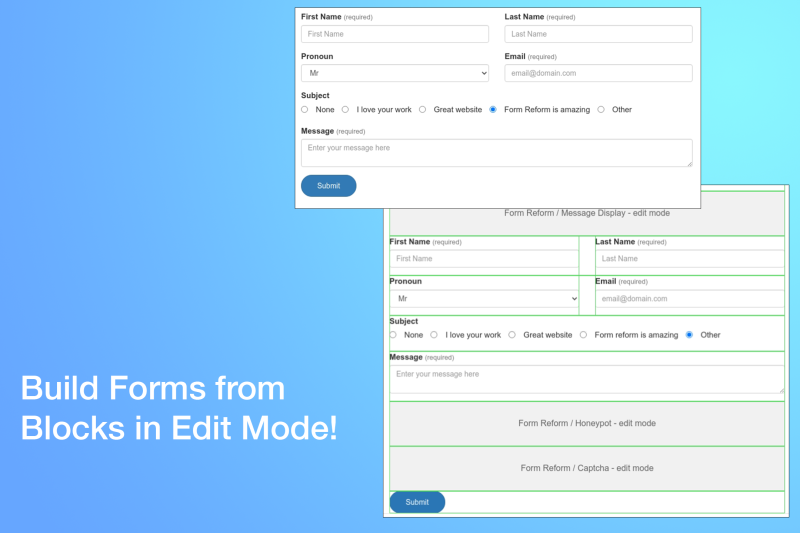
Form Reform
Reform the way forms are built. Take full control of how forms are laid out and processed, where submissions are sent and how data is stored. Code free construction from simple contact forms to multi-step and multi-page form applications.
Author

Also Check Out
Ajax for Express Forms Pro Addon
The Ajax for Express Forms - Pro Edition is an enhancement add-on for the light version
Form Reform
Reform the way forms are built. Take full control of how forms are laid out and processed, where submissions are sent and how data is stored. Code free construction from simple contact forms to multi-step and multi-page form applications.