Truss -- AI Translation Assist
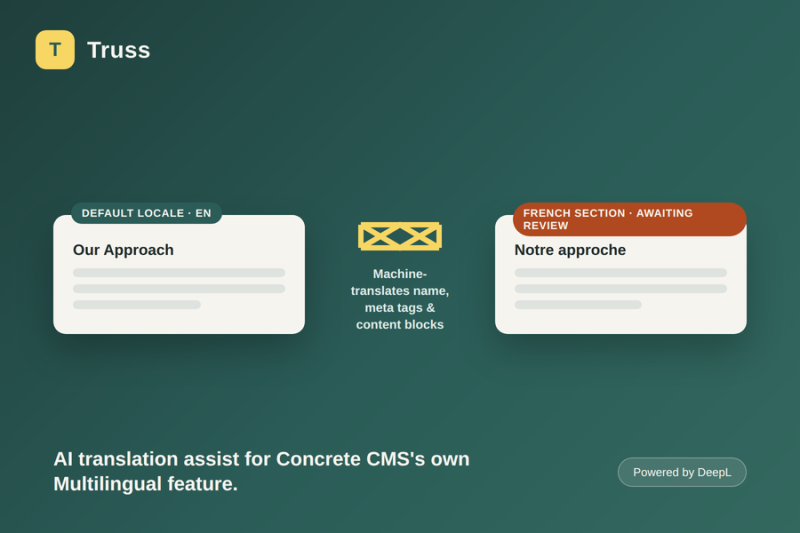
Machine-translates a Multilingual page's name, meta tags, and content blocks with one click, using DeepL -- flagged for human review, not sent live automatically.
Concrete's own Multilingual feature already gives a site per-locale page trees and a one-click "translate this page" action in the sitemap panel -- but that button only duplicates the source page's content into the new locale. The new page starts out byte-for-byte identical to its source, still in the source language, and someone has to manually rewrite every field and every block by hand before the translated section is actually usable. Concrete's separate translation tooling (the interface-string extractor behind /dashboard/system/multilingual/translate_interface) is scoped entirely to the site's theme/interface strings -- it has nothing to do with page content either.
Truss wires a real machine-translation service (DeepL) into that specific gap.
Translation status & queue (/dashboard/truss/status)
Pick any non-default-locale section from Concrete's own Multilingual setup and see every real page inside it: whether it still looks byte-for-byte identical to its default-locale sibling (a strong signal, not a certainty -- clearly labeled as such), and Truss's own tracked status (not yet processed / machine-translated, awaiting review / reviewed). One click translates a page's Name, Description, meta title, meta description, every content block, and core Image block alt text/title in one batched request -- then marks it "awaiting review" rather than pretending the job is done. Translate all on this page bulk-runs the same action for up to 25 eligible pages on the current results page. A page can also be marked reviewed, or flagged as needing re-translation, independent of the content signal. Re-translating a reviewed page asks for confirmation first.
Settings (/dashboard/truss/settings)
One page: your DeepL API key, which fields to translate (name/ description and meta tags are both optional toggles; Content and Image blocks are always attempted), a language-code override list for any locale DeepL's own ambiguous-language table doesn't already cover correctly, and an HTML-tag skip list (defaults to script, style, code, pre) passed straight through to DeepL as ignore_tags. Settings also checks DeepL /v2/usage so a bad key or exhausted quota shows up before your first Translate click.
What actually happens to your content
Nothing is sent to DeepL until you click Translate on a specific page. Every string for that page is batched into a single API request, not one request per field. Results are written back with Concrete's own Page::update() (name/description), attribute setters (meta tags), and each content block's own controller (save()) -- the same calls the rest of Concrete's admin uses, not raw database writes.
Also Check Out

Punch List -- Editorial and Publish-Schedule
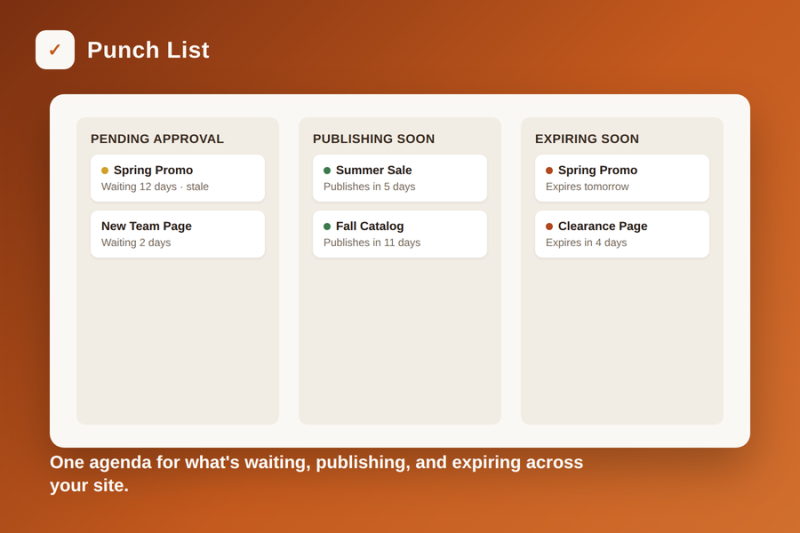
One dashboard agenda for pages pending approval (with optional Approve) plus everything scheduled to publish or expire soon. Uses Concrete’s own workflow path.
Author

Also Check Out
Punch List -- Editorial and Publish-Schedule
One dashboard agenda for pages pending approval (with optional Approve) plus everything scheduled to publish or expire soon. Uses Concrete’s own workflow path.