ROI Calculator
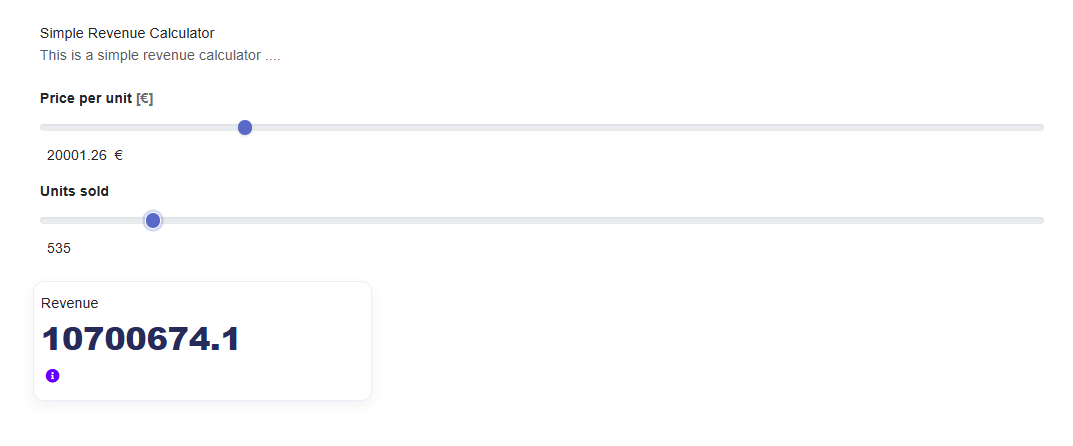
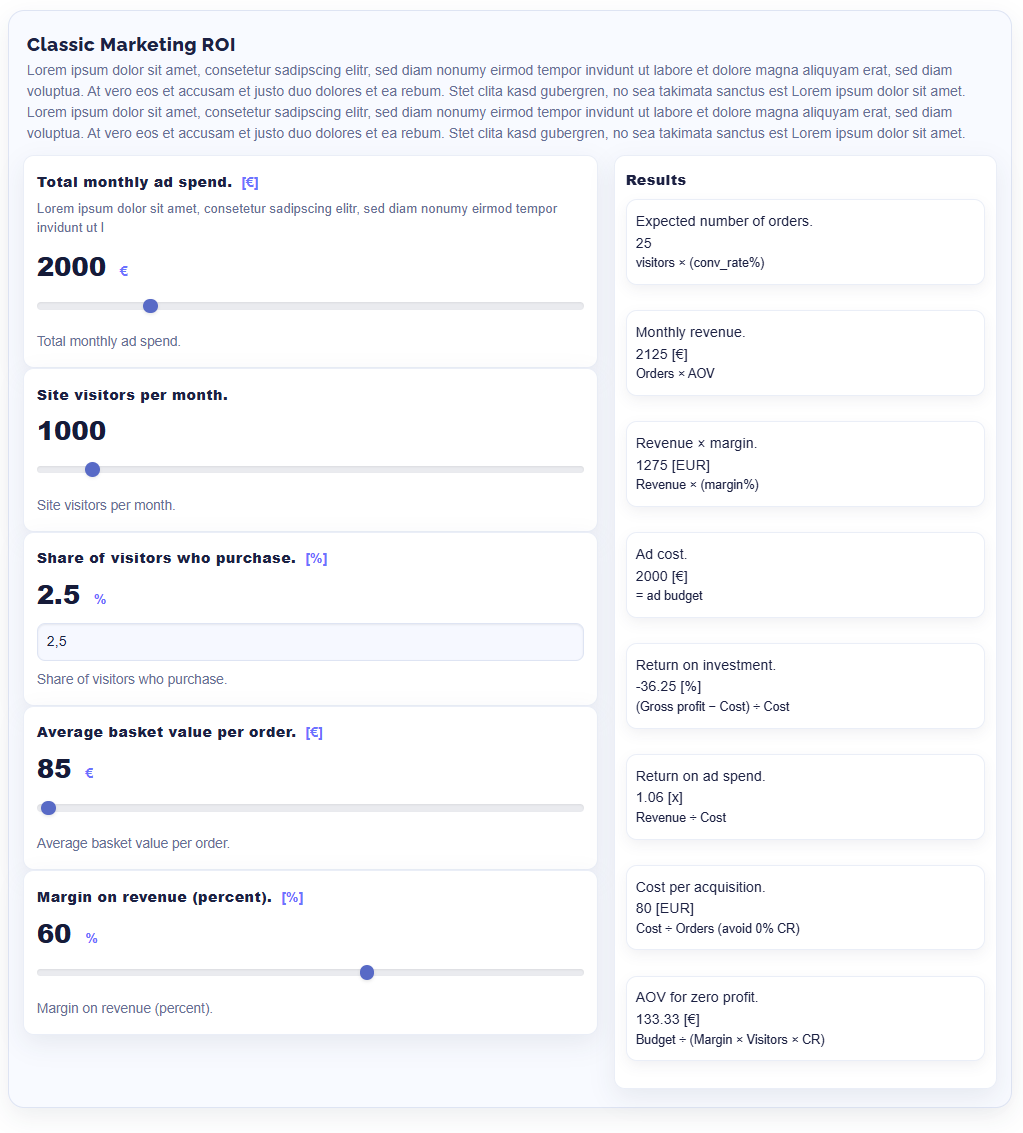
ROI Calculator for Concrete CMS: an interactive calculator block with configurable parameters, formulas, and results. Supports multiple instances per page, a clean two-column results grid, tooltips, translations, and modern templates.
ROI Calculator
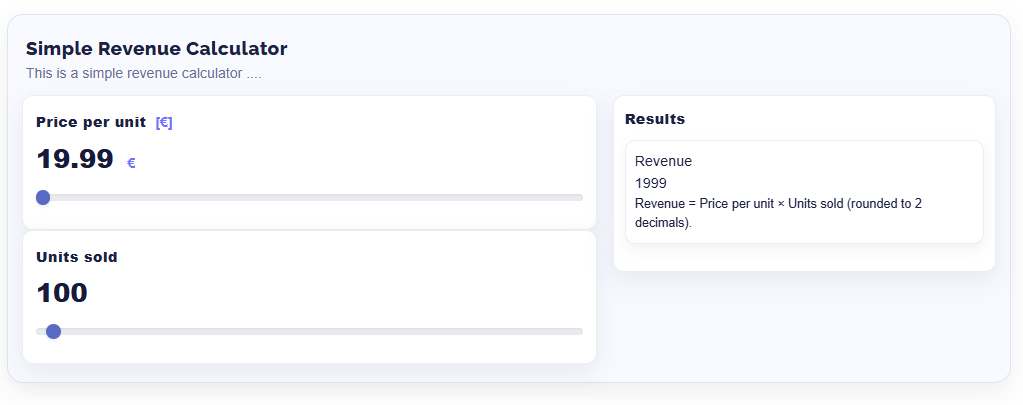
Build interactive ROI and business calculators for your visitors — directly in Concrete CMS, without writing code. Editors define inputs and formulas in the block dialog; visitors see the results update live as they move a slider or type a value. Ideal for marketing ROI, e-commerce KPIs, SaaS funnels, pricing and break-even calculators.
Highlights
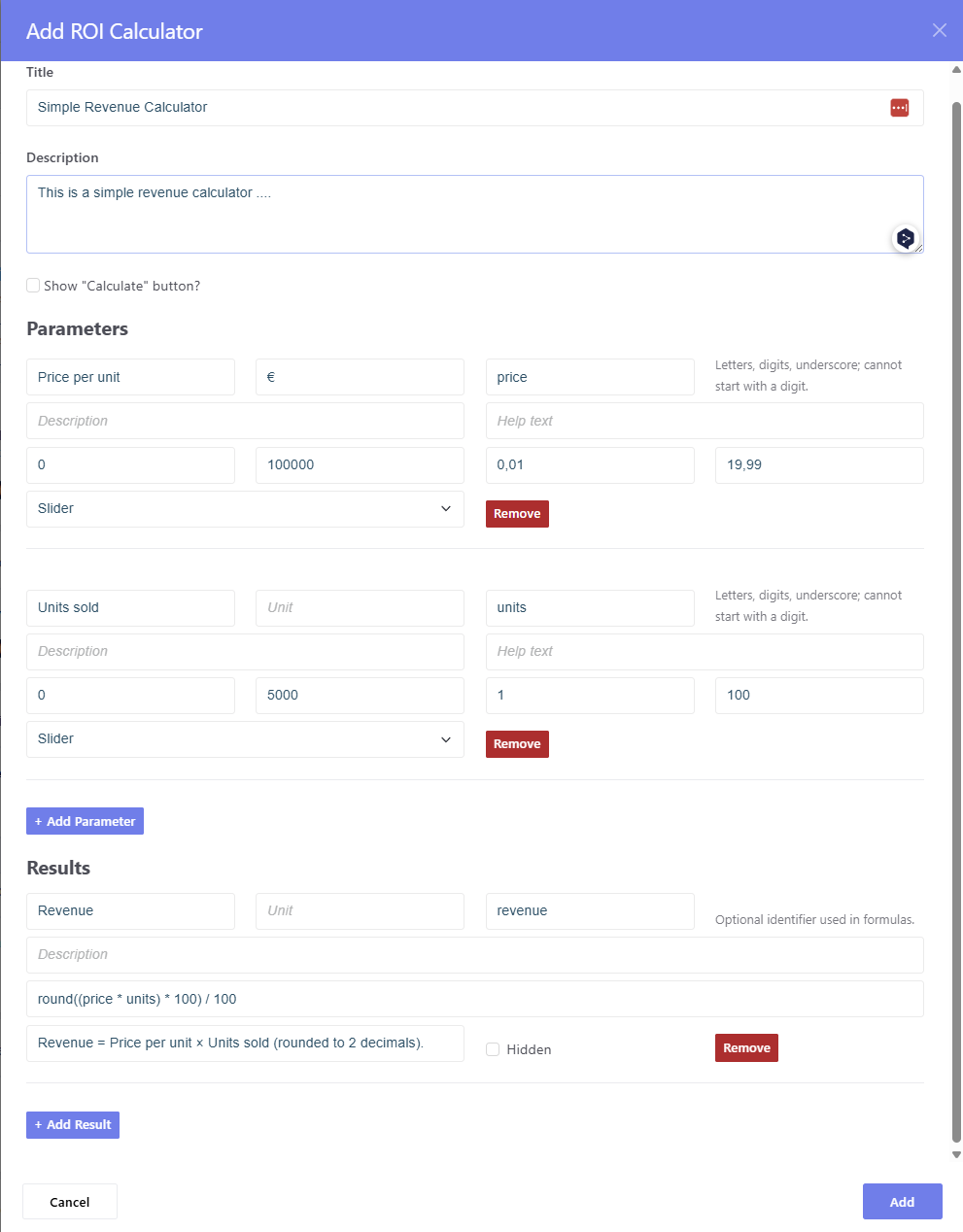
- Flexible inputs – number fields or sliders with name, unit, variable key, min / max / step / default and help text
- Headings & groups – structure long forms with section headings
-
Powerful formulas –
+ - * / ^ ( ), comparisons,round,floor,ceil,abs,min,max,sqrt,if(condition, then, else)andcondition ? a : b; reference inputs by key or by{{Display Name}} - Chained results – results can use other results, in any order; circular references are detected
-
Number formatting per result – decimal places, thousands and decimal
separator (e.g.
60.012,50or60,012.50) plus unit - Live formula check in the editor – unknown variables, syntax errors and circular references are highlighted while typing
- Clear editor for large calculators – tabs for General / Parameters / Results, collapsible entries with a summary line, sorting via ↑/↓
- Custom CSS class per input and result – e.g. show "costs before" in red and "costs after" in green
- Live or on demand – results update instantly or after a click on "Calculate"
- Hide intermediate results – calculate helper values without showing them
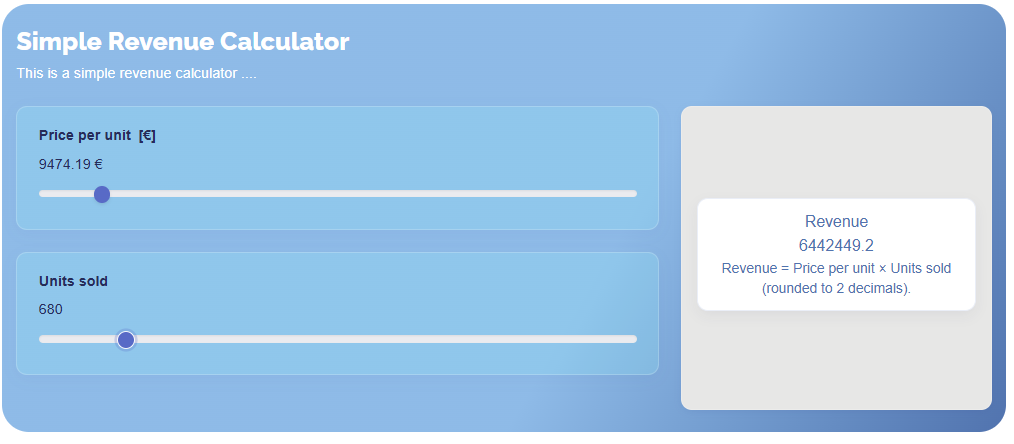
- Three templates – Default, Modern and Neo
- Multiple calculators per page – each block instance works independently
Common Use Cases
- Marketing ROI simulations and budget scenarios
- E-commerce KPIs: orders, AOV, margin, ROAS, CPA
- SaaS funnels: leads → trials → subscriptions, ARPA, LTV, CAC, payback
- Pricing, break-even, savings and project calculators
Example
| Input | Key | Default |
|---|---|---|
| Investment (€) | investment |
10,000 |
| Monthly savings (€) | savings |
500 |
| Term (months) | term |
24 |
| Result | Formula | Output |
|---|---|---|
| Total savings | savings * term |
12.000,00 € |
| ROI | round((savings * term - investment) / investment * 100, 2) |
20 % |
| Payback period | if(savings == 0, 0, investment / savings) |
20 months |
Security
- Formulas are evaluated with a maintained, patched expression parser
(expr-eval-fork 3.x) – no
eval, works with a strict Content Security Policy (nounsafe-evalneeded) - Formulas can only call whitelisted functions
- Help text HTML is sanitized, all output is escaped
Requirements
- Concrete CMS 9.0.5 or newer
- PHP 7.4 or newer (8.1+ recommended)
- Help tooltips in the Default template use the theme's Bootstrap 5 JS and Font Awesome (info icon)
Installation & Usage
- Install the add-on via Dashboard → Extend Concrete.
- Add the ROI Calculator block to a page.
- General tab: title, description, optional "Calculate" button.
- Parameters tab: add inputs (field or slider) and optional headings.
- Results tab: add formulas and, if needed, a number format and CSS class.
- Choose a template via the block's design options and save.
Tips
- Round to two decimals:
round(expr, 2)– or simply set Decimal places to 2 in the result's number format. - Avoid division by zero:
if(denominator == 0, 0, expr)ordenominator == 0 ? 0 : expr. - Style individual values with the CSS class field, e.g.
.roi-cost-before .roi-result-value { color: #c62828; }
Also Check Out
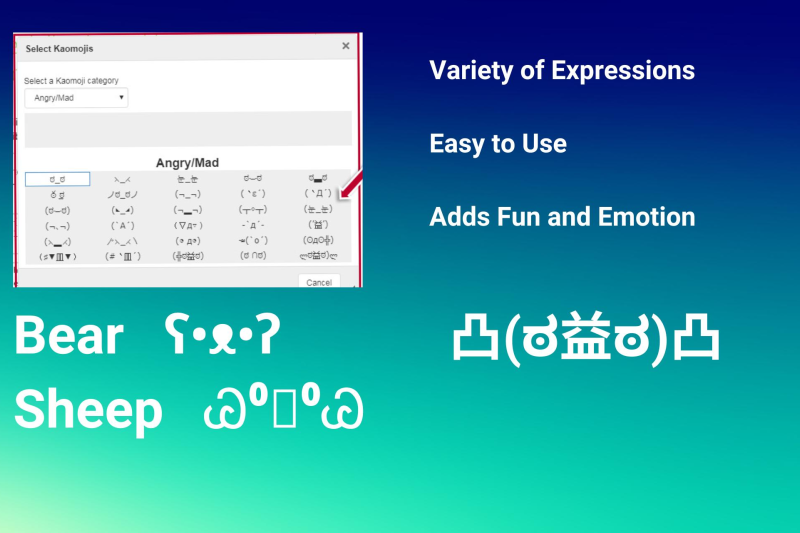
Kaomoji for CKEditor
Bring a touch of Japanese culture to your Concrete CMS with the fun and free Kaomoji add-on. Kaomoji, or Japanese emojis, are creative text-based expressions that add personality, emotion, and flair to your digital content.


Author

Also Check Out
Kaomoji for CKEditor
Bring a touch of Japanese culture to your Concrete CMS with the fun and free Kaomoji add-on. Kaomoji, or Japanese emojis, are creative text-based expressions that add personality, emotion, and flair to your digital content.