Quick Anchor Navigation
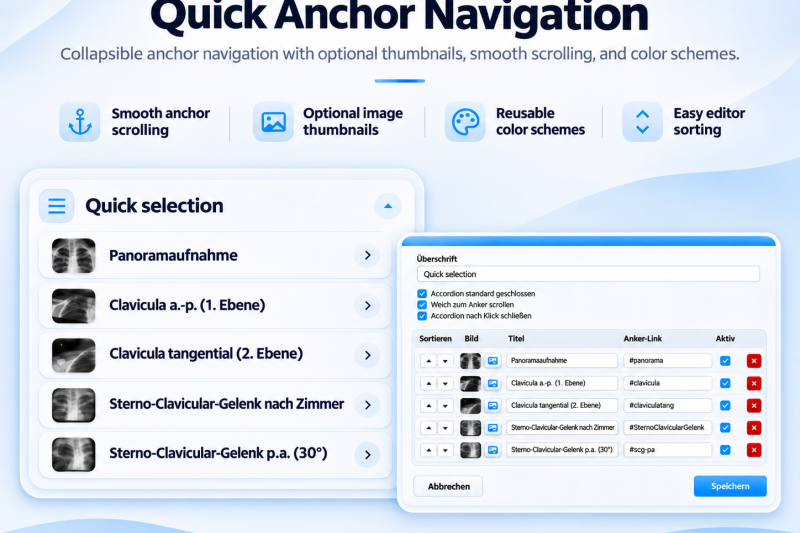
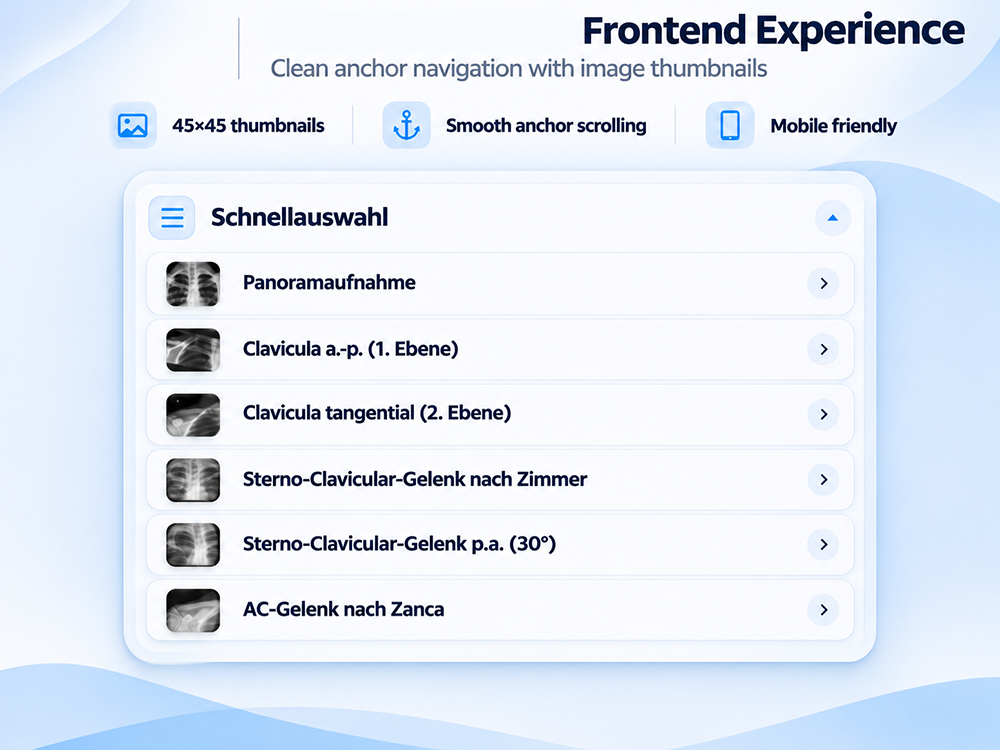
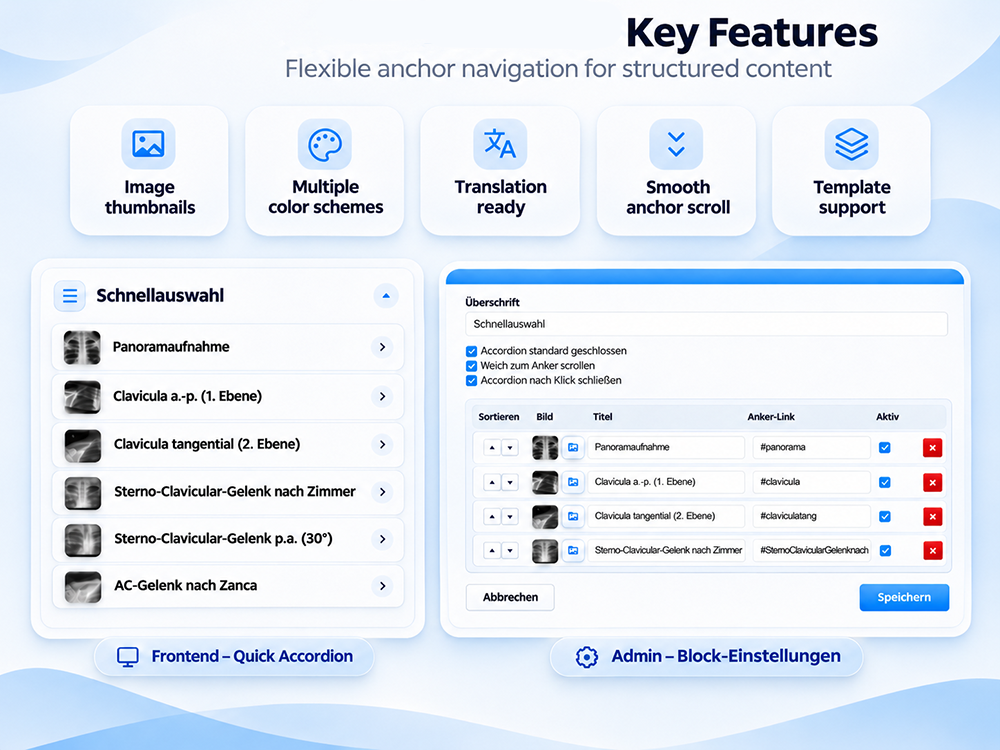
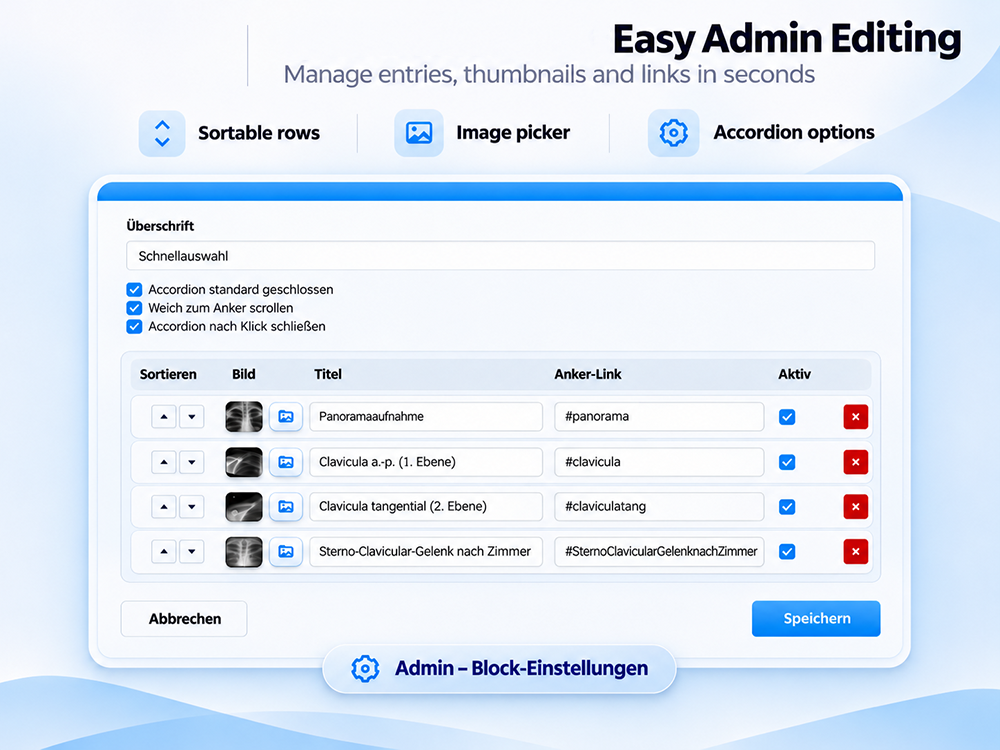
Create a compact, collapsible anchor navigation block with optional image thumbnails, smooth scrolling, customizable colors and easy link management.
Quick Anchor Navigation
SUMMARY
Create a compact, collapsible anchor navigation block with optional image thumbnails, smooth scrolling, customizable colors and easy link management.
DESCRIPTION
Quick Anchor Navigation adds a clean, responsive and collapsible navigation block for long or structured Concrete CMS pages.
Editors can create any number of navigation entries, assign each entry to an anchor on the current page and optionally select a thumbnail image directly from the Concrete CMS File Manager.
Entries can be reordered, enabled or disabled individually, and displayed using multiple built-in color schemes.
The navigation panel can start expanded or collapsed. Smooth scrolling to page anchors and automatic closing after selecting a navigation item can be enabled individually.
Anchor handling supports IDs containing spaces, periods, parentheses and other special characters commonly found in existing Concrete CMS content.
Quick Anchor Navigation is lightweight, easy to configure and integrates directly with the Concrete CMS block editor.
FEATURES
- Collapsible quick navigation panel
- Unlimited navigation entries
- Anchor links to content on the current page
- Optional image thumbnails from the Concrete CMS File Manager
- Easy up/down entry sorting
- Enable or disable individual entries
- Expanded or collapsed by default
- Optional automatic closing after selecting a link
- Optional smooth scrolling to anchors
- Five color schemes: Standard, Neutral, Green, Orange and Dark
- Additional block templates for Neutral, Green, Orange and Dark
- Responsive and mobile-friendly frontend
- Accessible navigation controls with ARIA states and keyboard support
- Support for special characters in anchor IDs
- No external services
- No tracking or analytics
- No additional package dependencies
- Translation-ready through Concrete CMS localization
Also Check Out
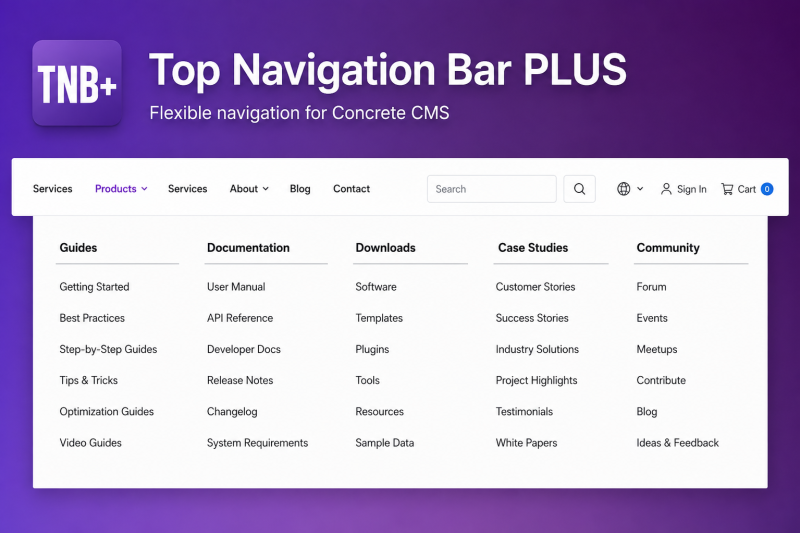
Top Navigation Bar PLUS
Build a responsive Concrete CMS header with theme-aware dropdowns, flexible mega menus, active-path highlighting, search, language switching, account access, and optional Community Store cart integration.
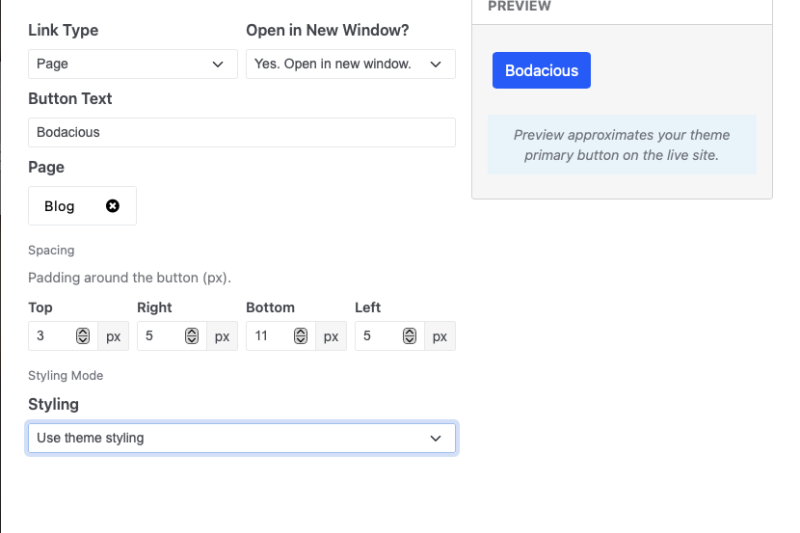
Tallacmans Bodacious Buttons
Add polished call-to-action buttons anywhere on your Concrete CMS site. Link to pages, URLs, or files; control spacing; match your theme or customize colors, typography, borders, and hover states—with a live preview as you edit.
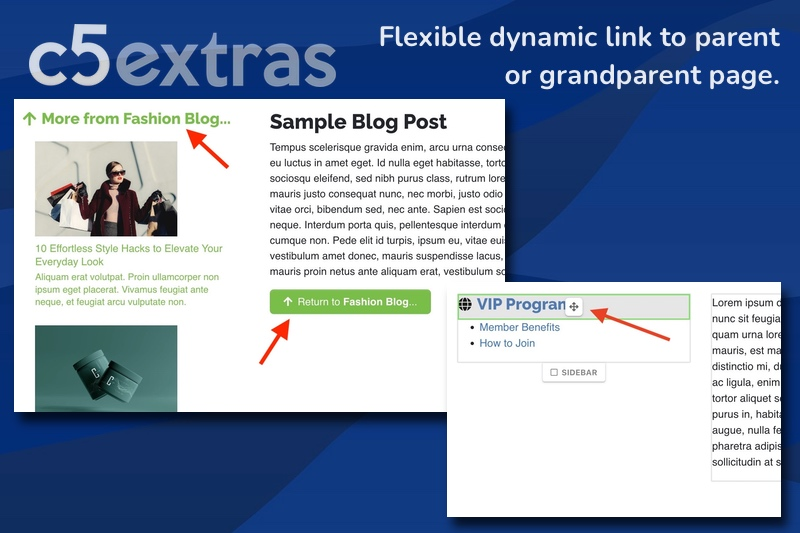
Parent Link
Automatically create smart 'back to parent' links across your website. Perfect for news sections, article collections, and press releases, Parent Link eliminates manual link maintenance while keeping your site navigation clean and consistent.
Author

Also Check Out
Top Navigation Bar PLUS
Build a responsive Concrete CMS header with theme-aware dropdowns, flexible mega menus, active-path highlighting, search, language switching, account access, and optional Community Store cart integration.
Tallacmans Bodacious Buttons
Add polished call-to-action buttons anywhere on your Concrete CMS site. Link to pages, URLs, or files; control spacing; match your theme or customize colors, typography, borders, and hover states—with a live preview as you edit.
Parent Link
Automatically create smart 'back to parent' links across your website. Perfect for news sections, article collections, and press releases, Parent Link eliminates manual link maintenance while keeping your site navigation clean and consistent.