Tallacmans Bodacious Buttons
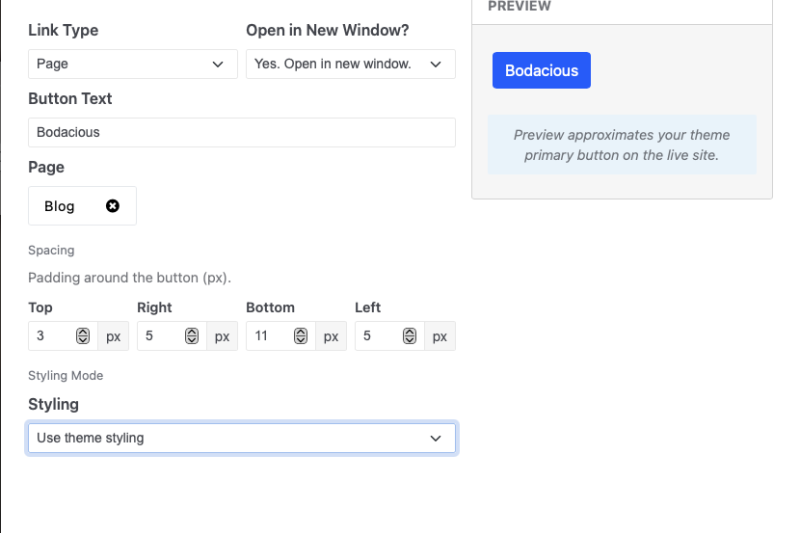
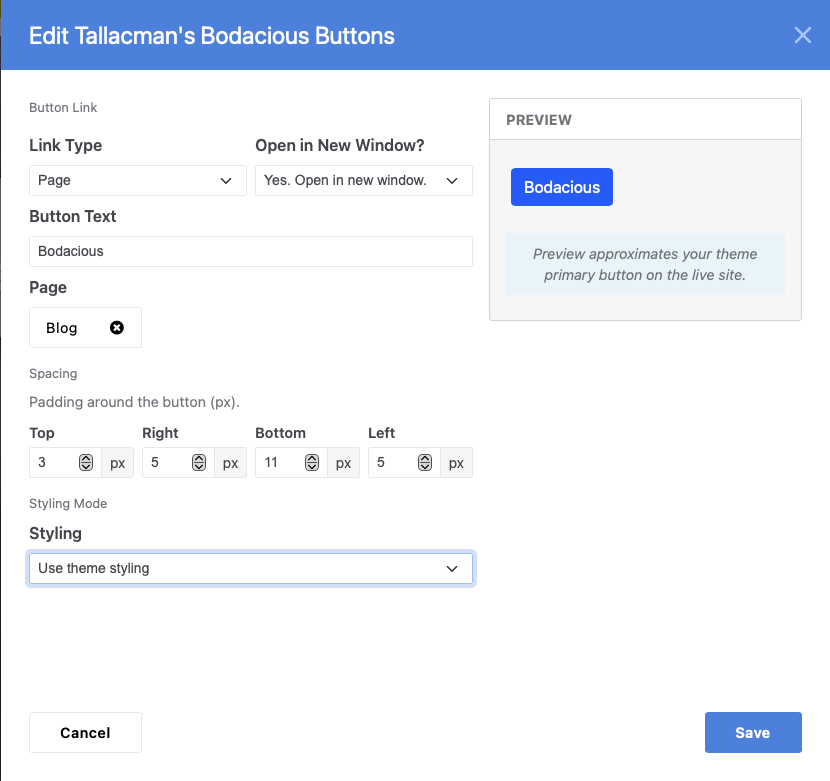
Add polished call-to-action buttons anywhere on your Concrete CMS site. Link to pages, URLs, or files; control spacing; match your theme or customize colors, typography, borders, and hover states—with a live preview as you edit.
Tallacman's Bodacious Buttons for Concrete CMS
The button block that does more than link.
Tallacman's Bodacious Buttons gives editors a proper call-to-action—one that looks intentional, behaves predictably, and fits your brand without touching theme files or writing CSS.
Built for Concrete CMS 9, it handles the hard parts: destinations, downloads, spacing, styling, hover states, borders, and a live preview while you edit. You pick where the button goes. The block makes sure it looks right when it gets there.
- Buttons that look right, link smart, and fit your layout.
- Your theme's buttons—or your own. Your rules.
- Call to action. Zero code.
Add polished call-to-action buttons anywhere on your Concrete CMS site. Link to pages, URLs, or files; control spacing; match your theme or customize colors, typography, borders, and hover states—with a live preview as you edit.
Every page needs a clear next step. Bodacious Buttons makes that step obvious.
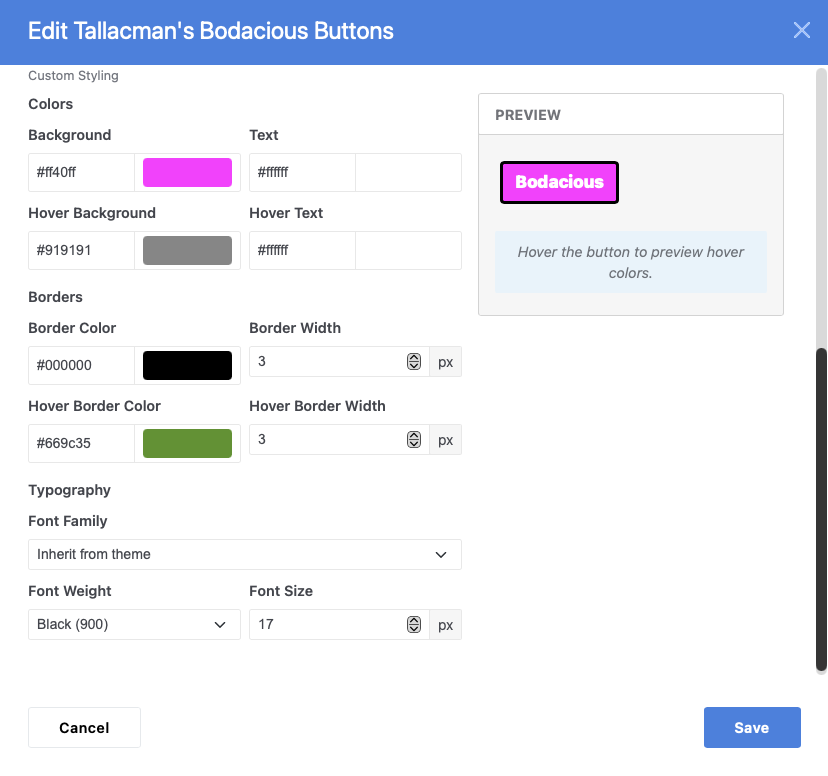
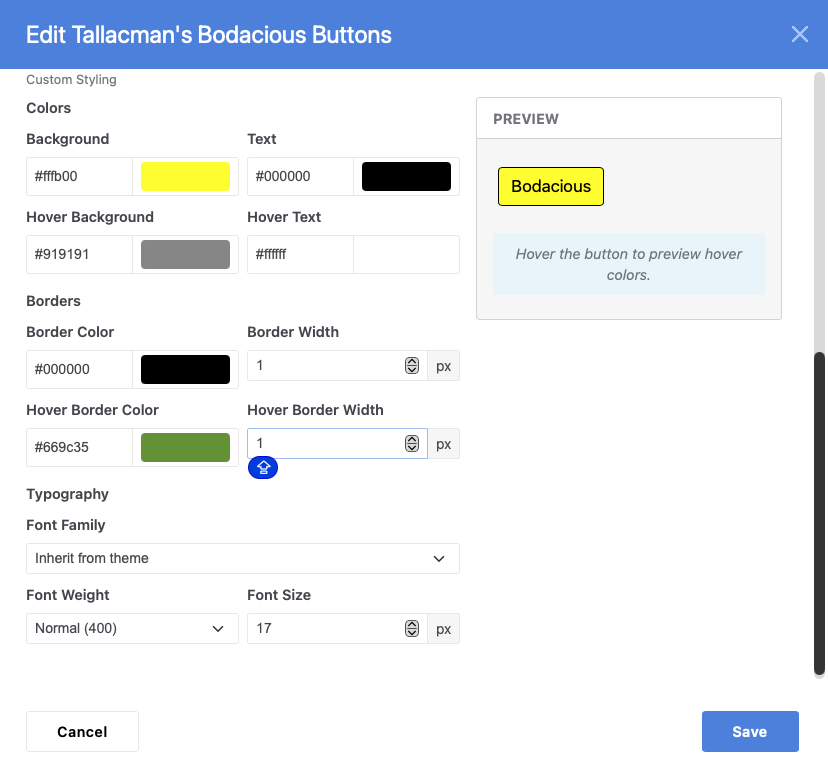
Drop a button into a blog post, landing page, sidebar, or footer. Choose a page, paste a URL, or attach a downloadable file. Set the label, adjust the spacing, and decide whether the button should inherit your theme's primary style or carry its own custom look—complete with separate normal and hover colors, border colors, border widths, and typography pulled from your theme's CMS fonts.
The live preview updates as you type, so you see exactly what you're building before you publish. No guessing. No save-and-refresh loop.
Whether you need one on-brand CTA or a campaign button that breaks from the mold, Bodacious Buttons delivers both—without a developer in the loop.
Feature highlights
Smart linking
- Internal page links with automatic title fallback
-
External URLs with automatic
https://prefixing - File downloads from the asset library, with optional force-download
- Custom button text or auto-generated labels
- Open in the same window or a new tab
Layout control
- Adjustable top, right, bottom, and left spacing
- Works in any content area—posts, pages, stacks, and sidebars
Styling your way
- Use theme styling — inherit your site's primary button design instantly
-
Style this button myself — full control when you need it:
- Background and text colors (normal + hover)
- Border color and width (normal + hover)
- Font family from your theme's CMS webfonts
- Font weight and size
- Custom options stay hidden until you choose custom styling
- Live preview with hover simulation in the block editor
Built for Concrete CMS 9
- Clean fieldsets with helpful guidance
- Validation for URLs, colors, and spacing
- Theme-ready output that respects your design system
Ideal for
- Blog CTAs — "Read more," "Subscribe," "Get the guide"
- Landing pages — sign-ups, demos, trials, purchases
- Resource libraries — PDFs, brochures, and media downloads
- Campaign pages — custom colors, borders, and hover effects without theme edits
- Footers and sidebars — contact, login, policies, and external tools
Taglines
- Every click deserves a proper button.
- Theme-styled or fully custom—with borders.
- See it before you publish.
Usage
- Add Tallacman's Bodacious Buttons to your page or area.
- Under Button Link, choose your destination and button text.
- Under Button Style, pick theme styling or customize colors, borders, typography, and hover states.
- Under Spacing, adjust padding around the button.
- Check the Preview, then save and publish.
Give your site buttons that earn the click.
Also Check Out
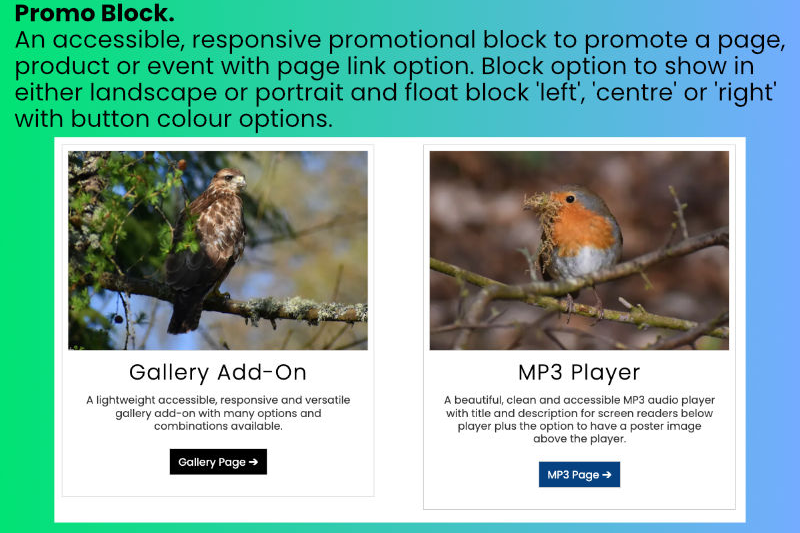
Promo Block
An accessible, responsive promotional block to promote a page, product or event with page link option.
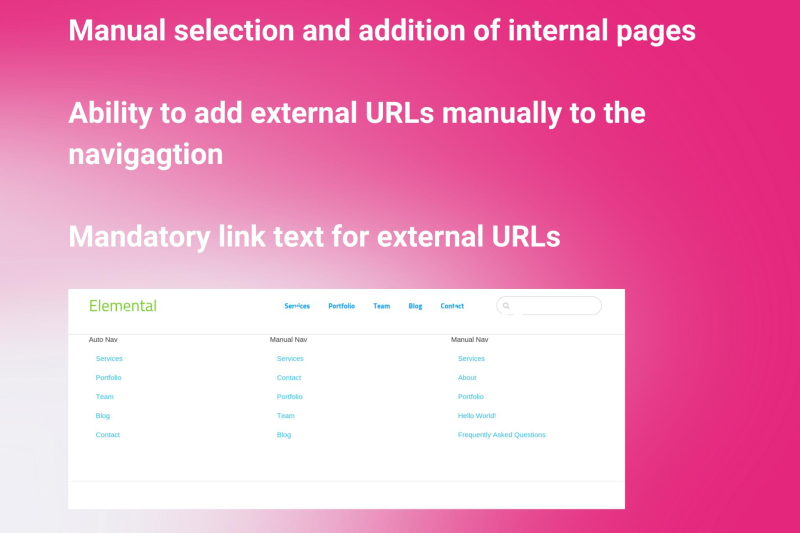
Manual Nav
Manual Nav enables you to pick and choose the pages that you want to show on the navigation.

Author

Also Check Out
Promo Block
An accessible, responsive promotional block to promote a page, product or event with page link option.
Manual Nav
Manual Nav enables you to pick and choose the pages that you want to show on the navigation.