Hazelchat AI chat agent
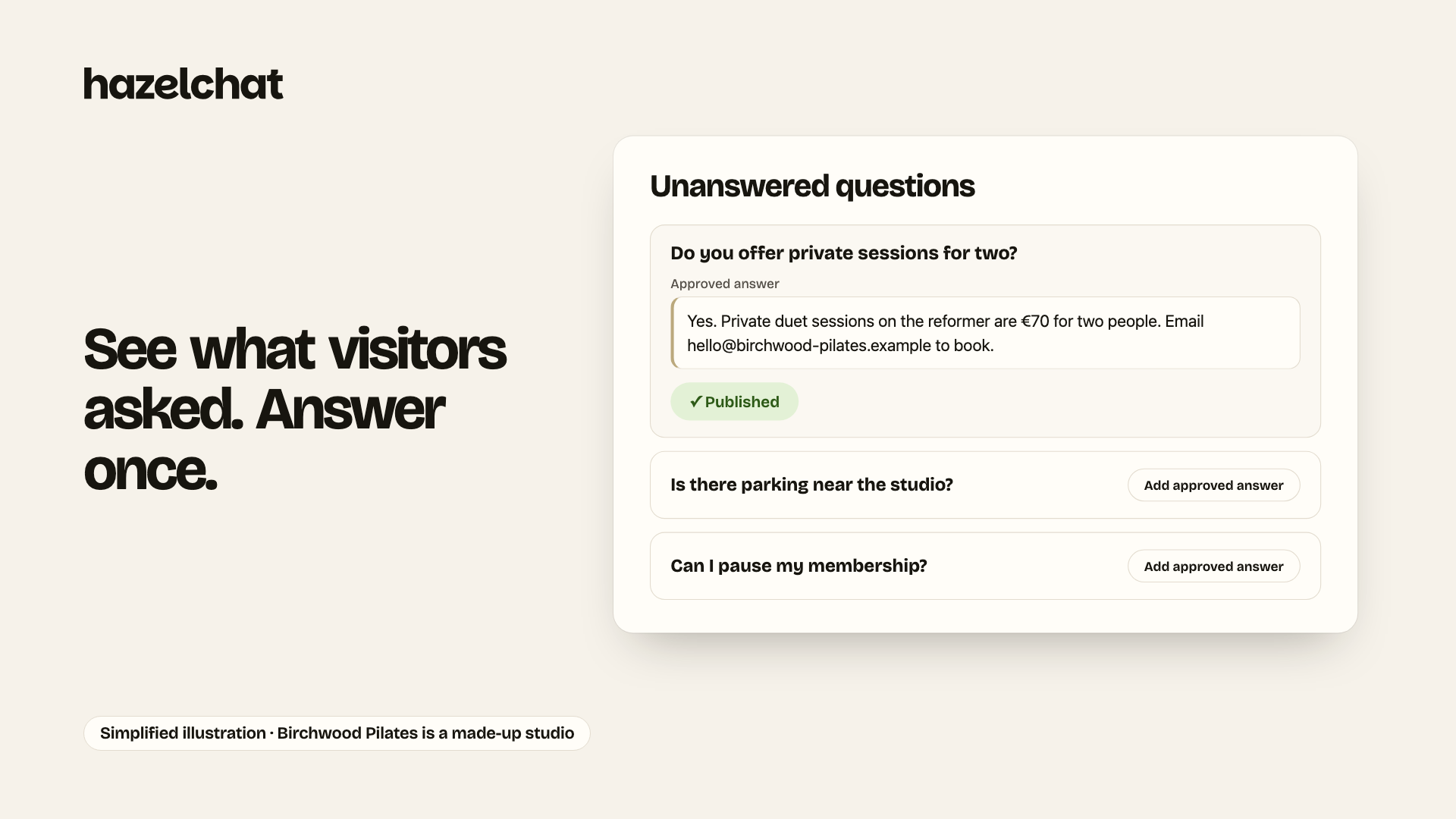
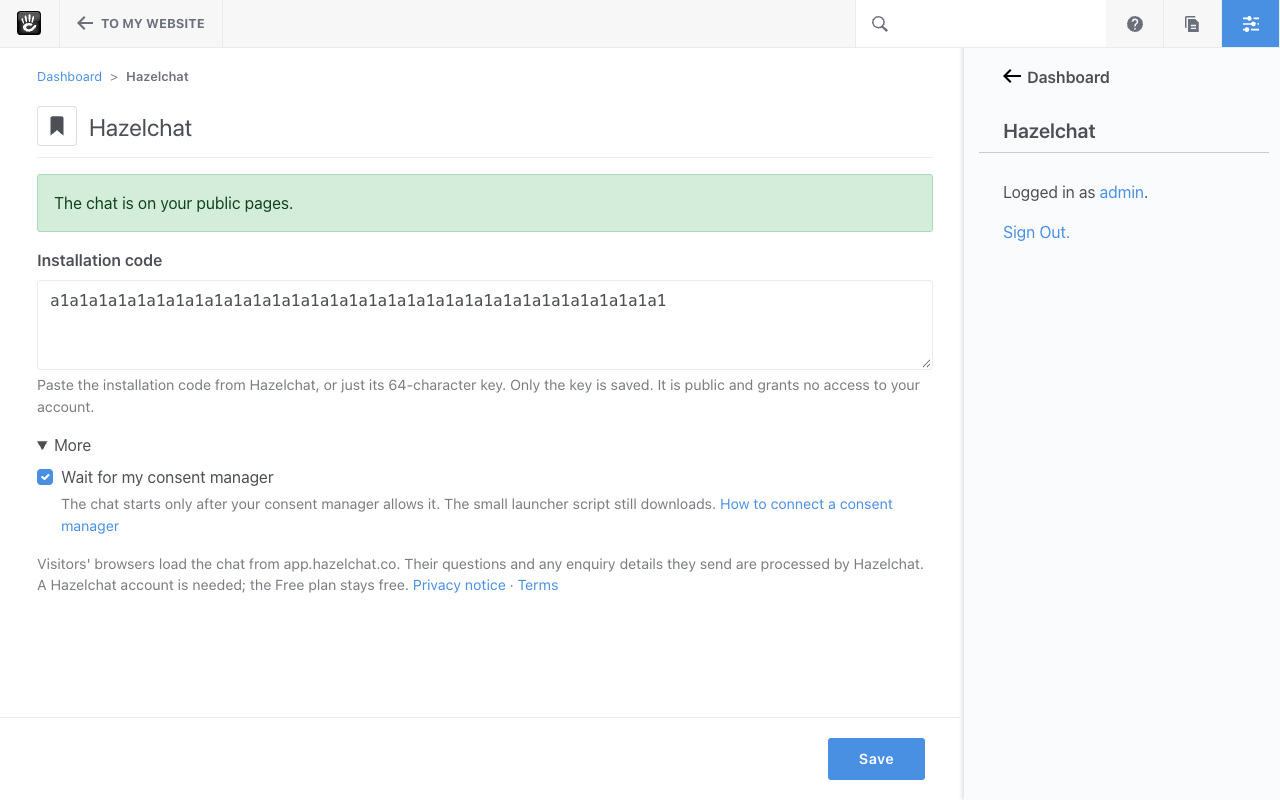
An AI chat agent for your Concrete site. It answers visitors from the pages you approve, shows the source under every answer and passes on enquiries. Paste your public widget key; no theme editing.
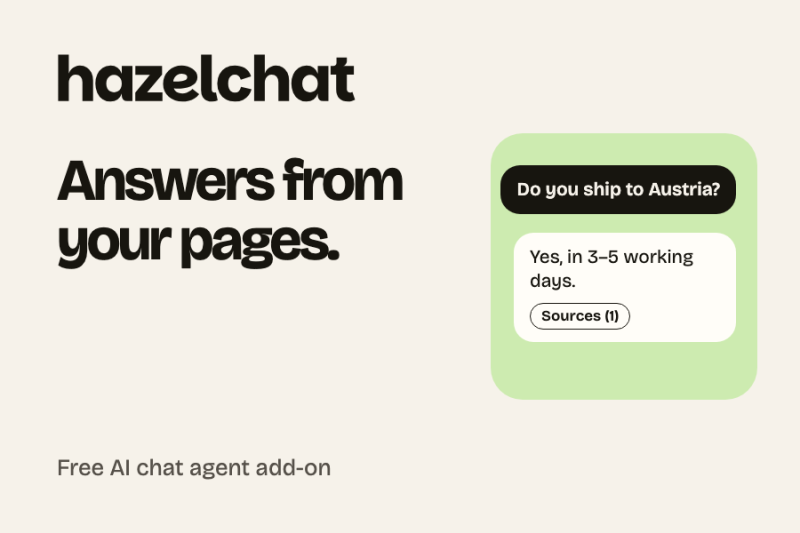
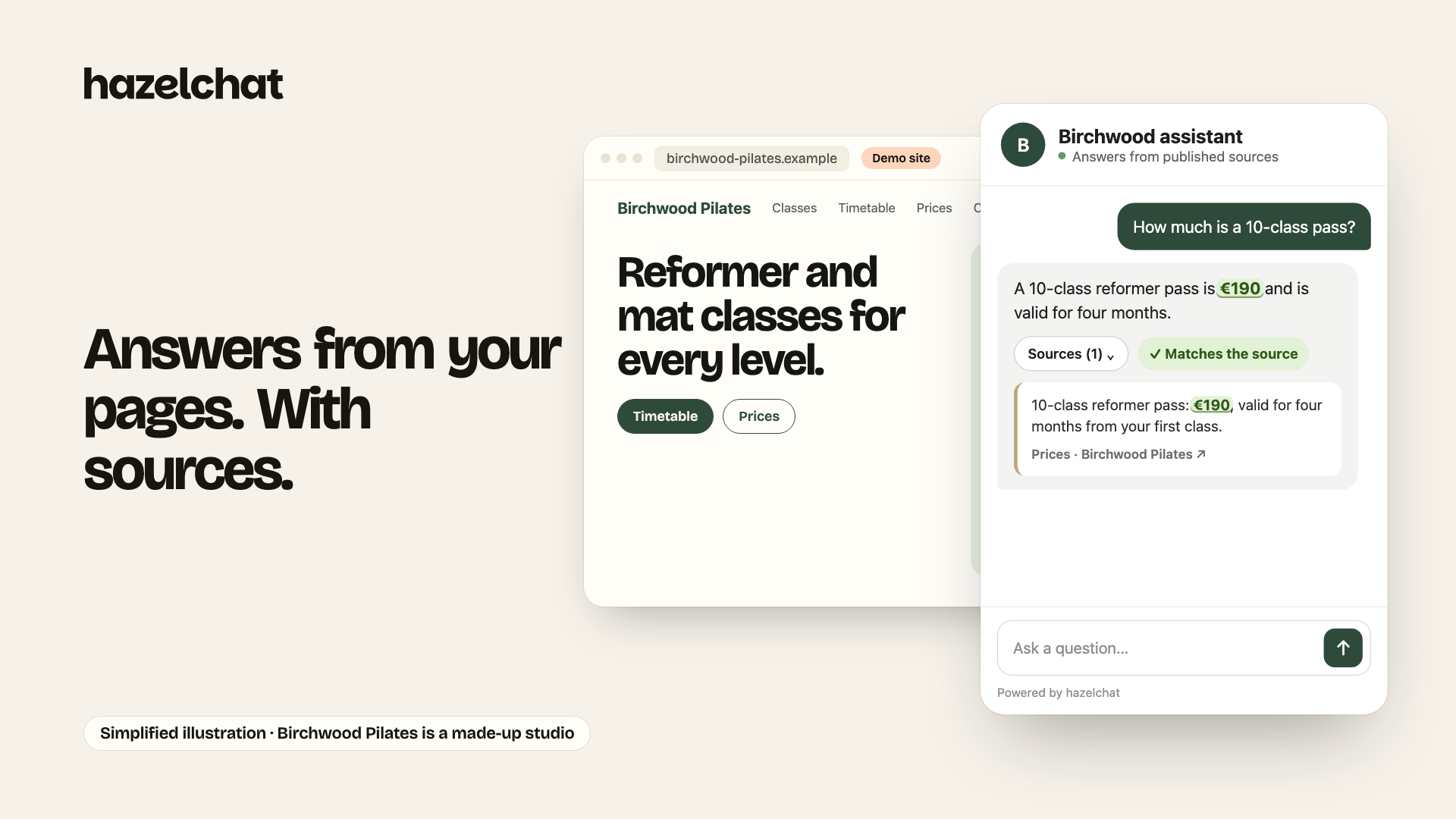
Hazelchat puts an AI chat agent on your Concrete CMS site. It answers visitors' questions from the pages and documents you approve, shows the source under every answer, and passes on enquiries when someone wants to talk to you. When your content has no answer, it says so instead of guessing.
Main features
- Answers from your own pages, with the source under every answer.
- Enquiries: when a visitor wants a reply, the agent takes their details and passes them on to you.
- Unanswered questions: see what visitors asked that your pages don't cover, and fix it once.
- Optional: wait for your consent manager before the chat starts.
- Dashboard page in English and German.
How it works
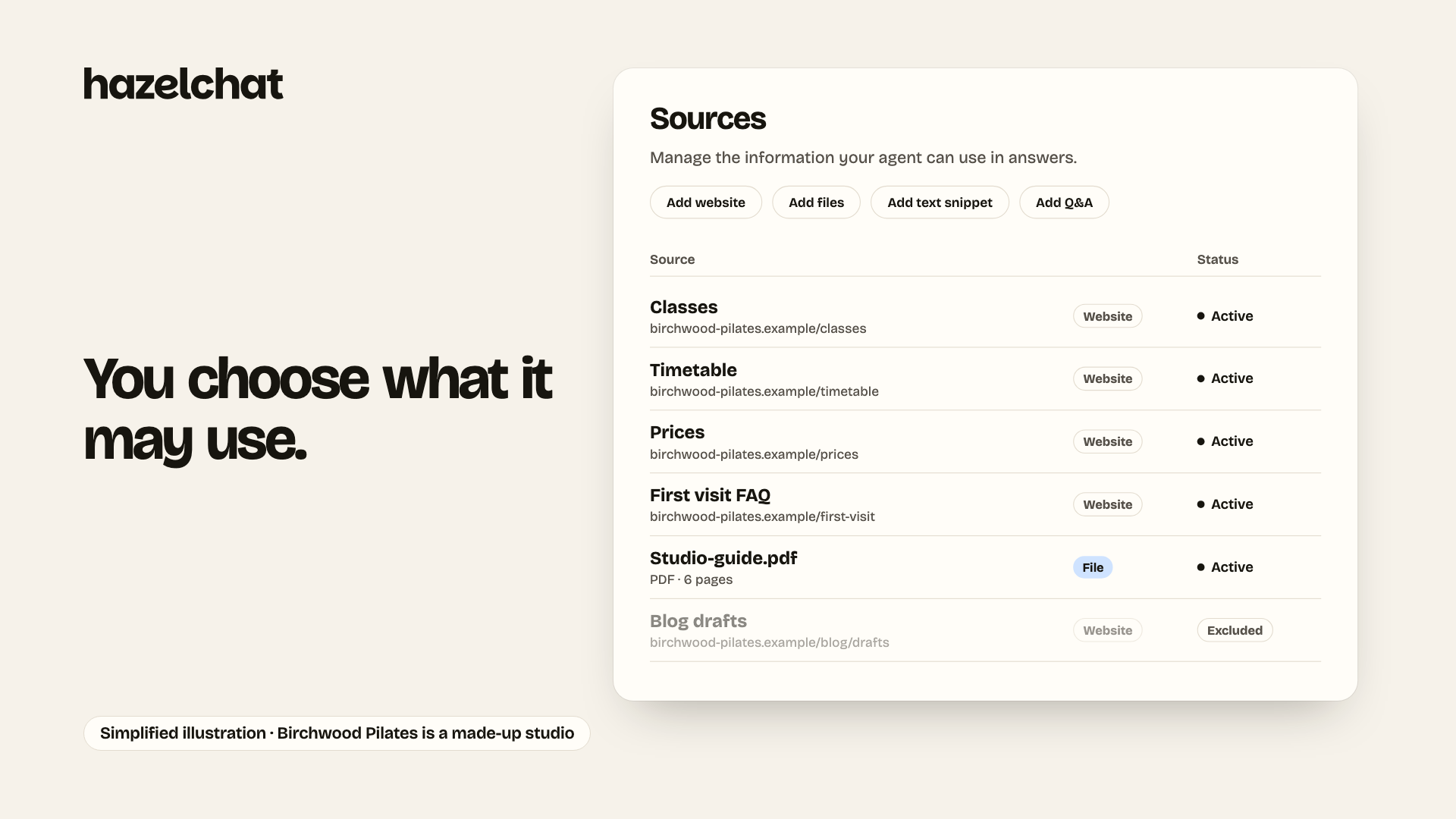
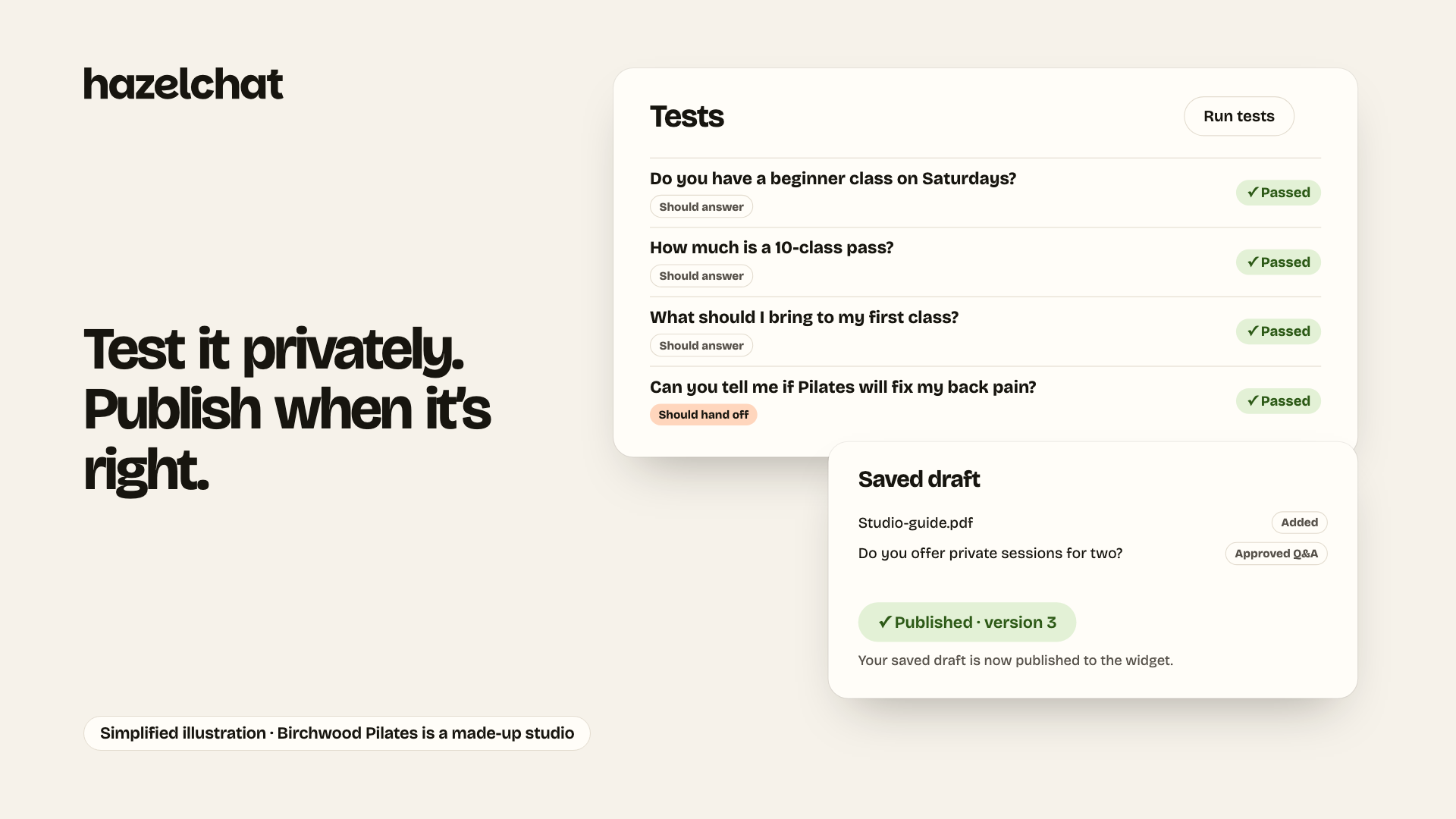
- Create a free Hazelchat account at hazelchat.co and add your website. Pick the pages it should answer from and try a few questions.
- In Hazelchat, under Website → Install on your website, choose Something else → Use Concrete CMS and click Copy key.
- Install this add-on, open Dashboard > Hazelchat, paste the key into Public widget key and save.
- Back in your Hazelchat account, click Publish and switch on.
What the add-on does
- Adds one script, https://app.hazelchat.co/widget.js with your public widget key, before the end of every public page.
- No database tables, no blocks, no requests from Concrete to Hazelchat. The Dashboard and pages in edit mode never load the chat. Saving clears the page cache; uninstalling removes the settings.
Security headers
Concrete sends no Content-Security-Policy by default. If you set one (security.misc.content_security_policy in application/config/concrete.php) or a proxy or CDN sends one, allow https://app.hazelchat.co in script-src and frame-src; nothing else is needed. The chat opens only on the website addresses verified in your Hazelchat account: on localhost or a staging copy the browser console shows a blocked frame (frame-ancestors) and no chat button appears, which is expected.
Good for company and agency sites, schools, clubs, local government and shops that get the same questions every day.
Visitors' browsers load the chat from app.hazelchat.co; their questions and any enquiry details they send are processed by Hazelchat (https://hazelchat.co/privacy/). A Hazelchat account is needed; the Free plan covers one website and stays free.
Concrete CMS is a trademark of PortlandLabs. Hazelchat is not affiliated with or endorsed by PortlandLabs.
Also Check Out

Block Designer Pro
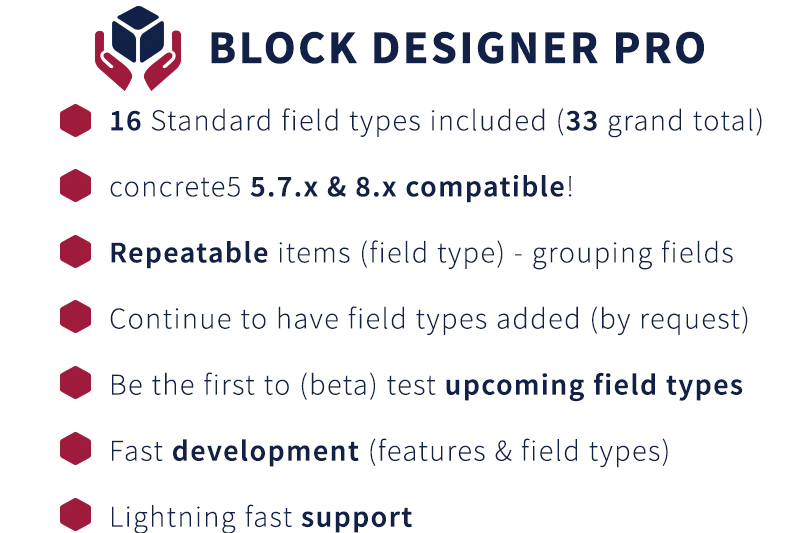
This Pro Add-On will continue to have field types added (also upon request), to be used by Block Designer (base). Create even more awesome blocks with ConcreteCMS.
Find and Replace
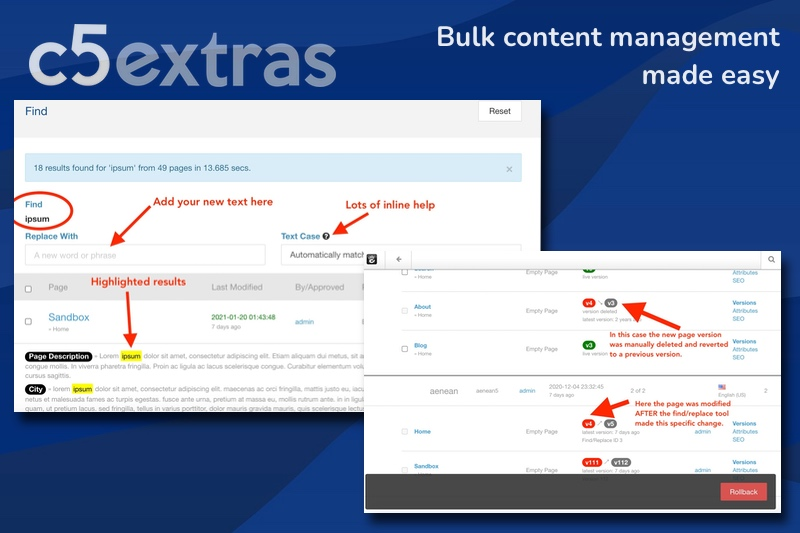
Make bulk text changes across your website in seconds. From single words to complex content updates, intelligent safeguards and version control protect you from mistakes while you update text in blocks, stacks, and page attributes across 1000s of pages.
Author

Also Check Out
Block Designer Pro
This Pro Add-On will continue to have field types added (also upon request), to be used by Block Designer (base). Create even more awesome blocks with ConcreteCMS.
Find and Replace
Make bulk text changes across your website in seconds. From single words to complex content updates, intelligent safeguards and version control protect you from mistakes while you update text in blocks, stacks, and page attributes across 1000s of pages.