CkEditor Glossary
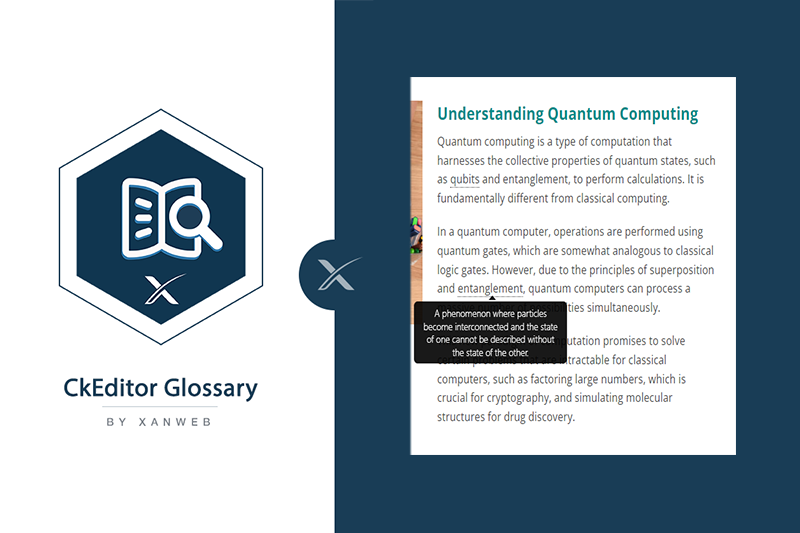
Enhance your content editing with the CKEditor Glossary Plugin, providing users with an easy way to manage and insert glossary terms and definitions.
NEW: Support now only through our support portal
Support for this product is provided exclusively through our support portal: https://support.xanweb.com
This is a change for all customers, including those who already bought this product: please do not contact us via Marketplace private messages or by email. We cannot answer requests sent that way. In the portal you open a ticket with your order number and follow its status and our answers in one place.
CKEditor Glossary
Overview
The CKEditor Glossary Add-On is created to streamline the process of adding, editing, and managing glossary terms within your website's rich text content. This user-friendly and lightweight plugin ensures all terms are centralized and easily accessible from a single page under the dashboard.
Features
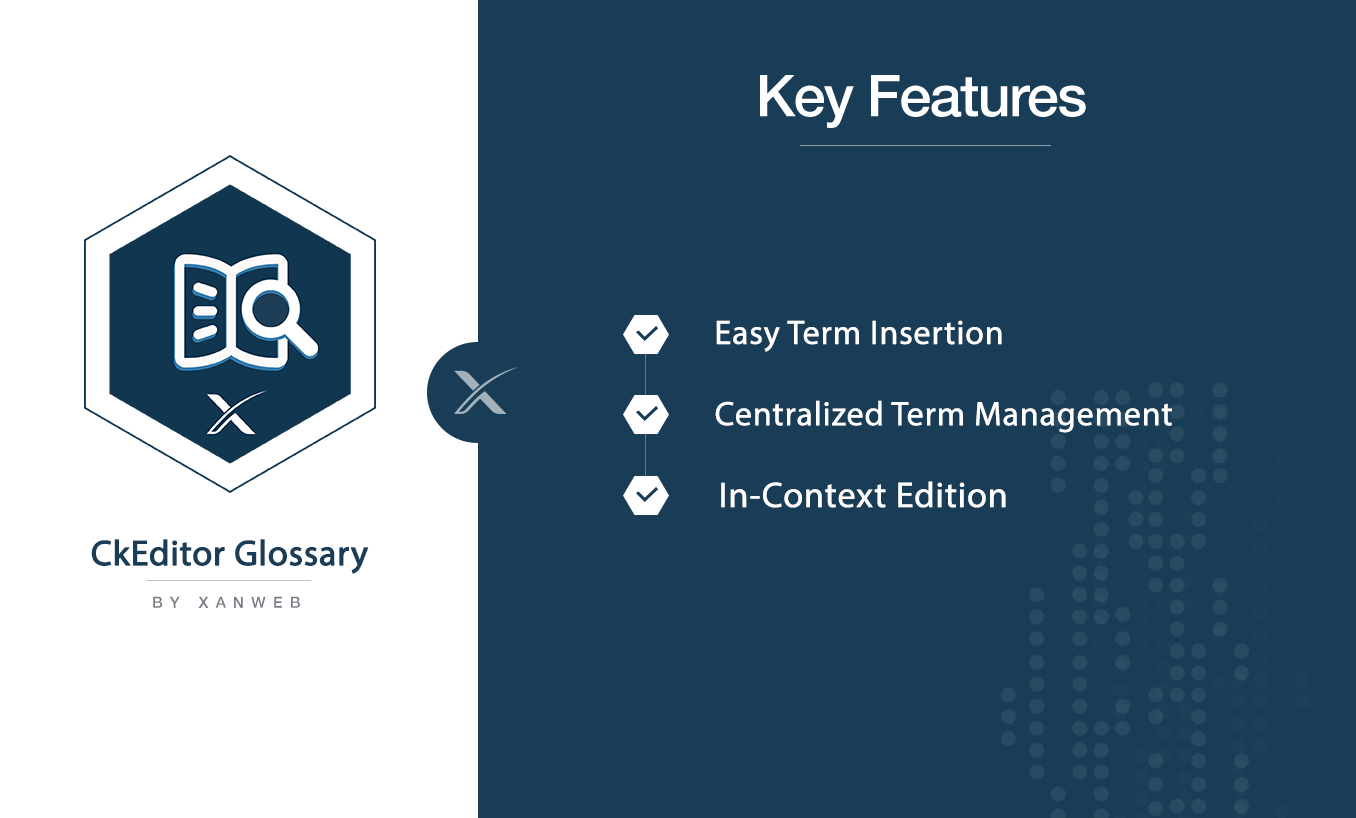
- Easy to Use
- Lightweight
- Centralized Management
- Search Functionality (Dashboard)
How It Works
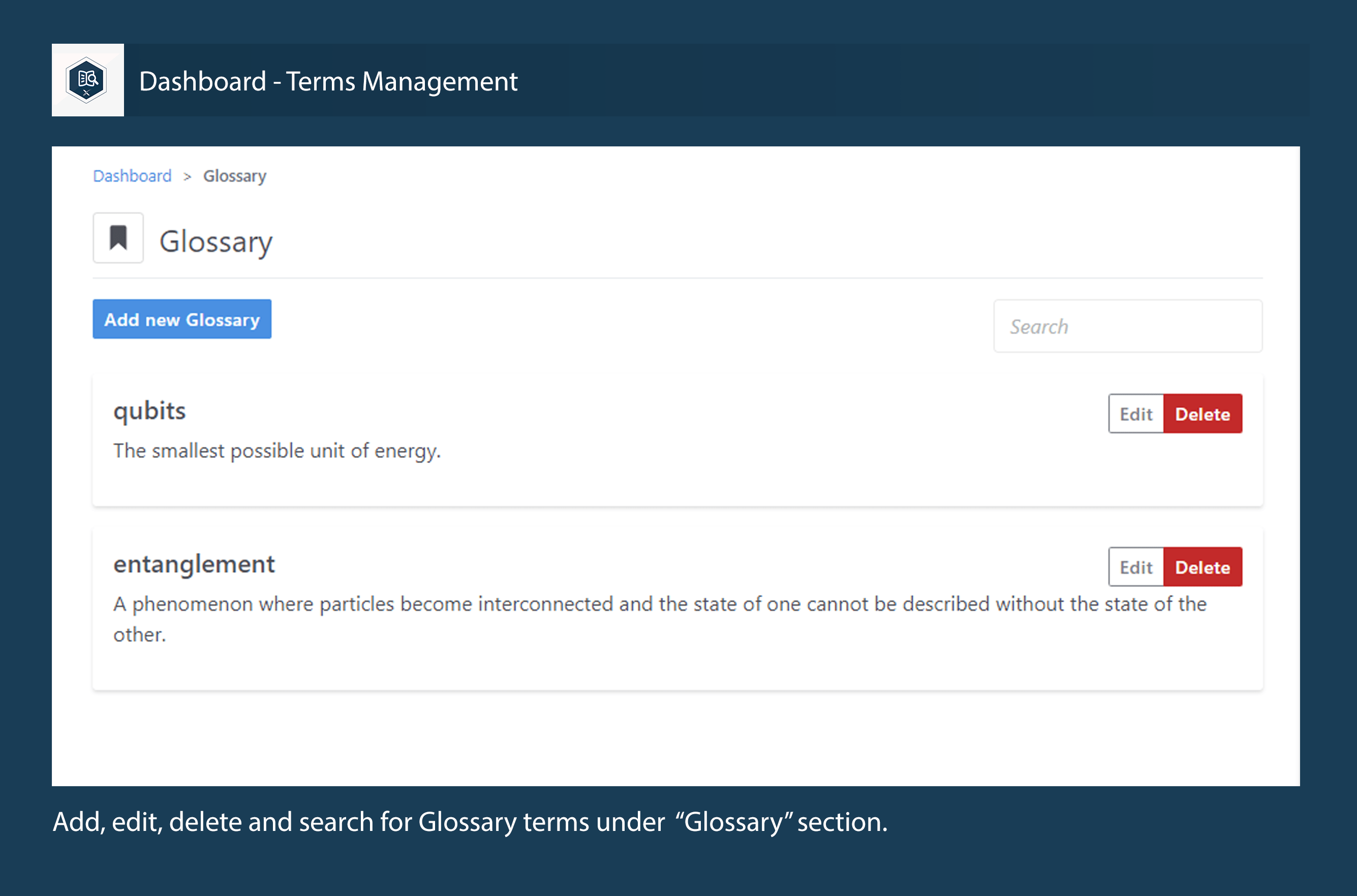
- Add Terms: Create new glossary terms with ease.
- Edit Terms: Update existing terms to keep your glossary current.
- Delete Terms: Remove outdated or irrelevant terms.
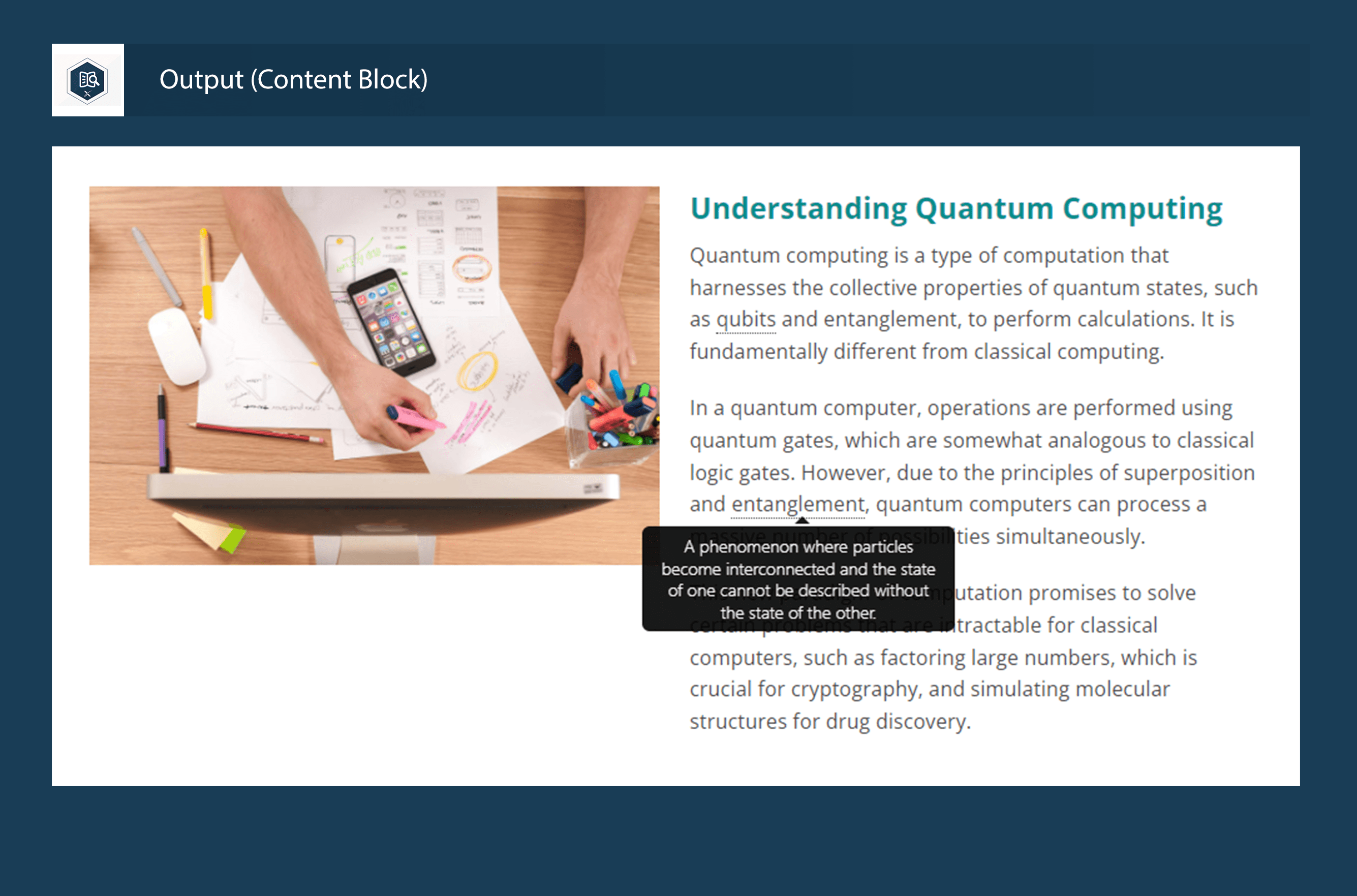
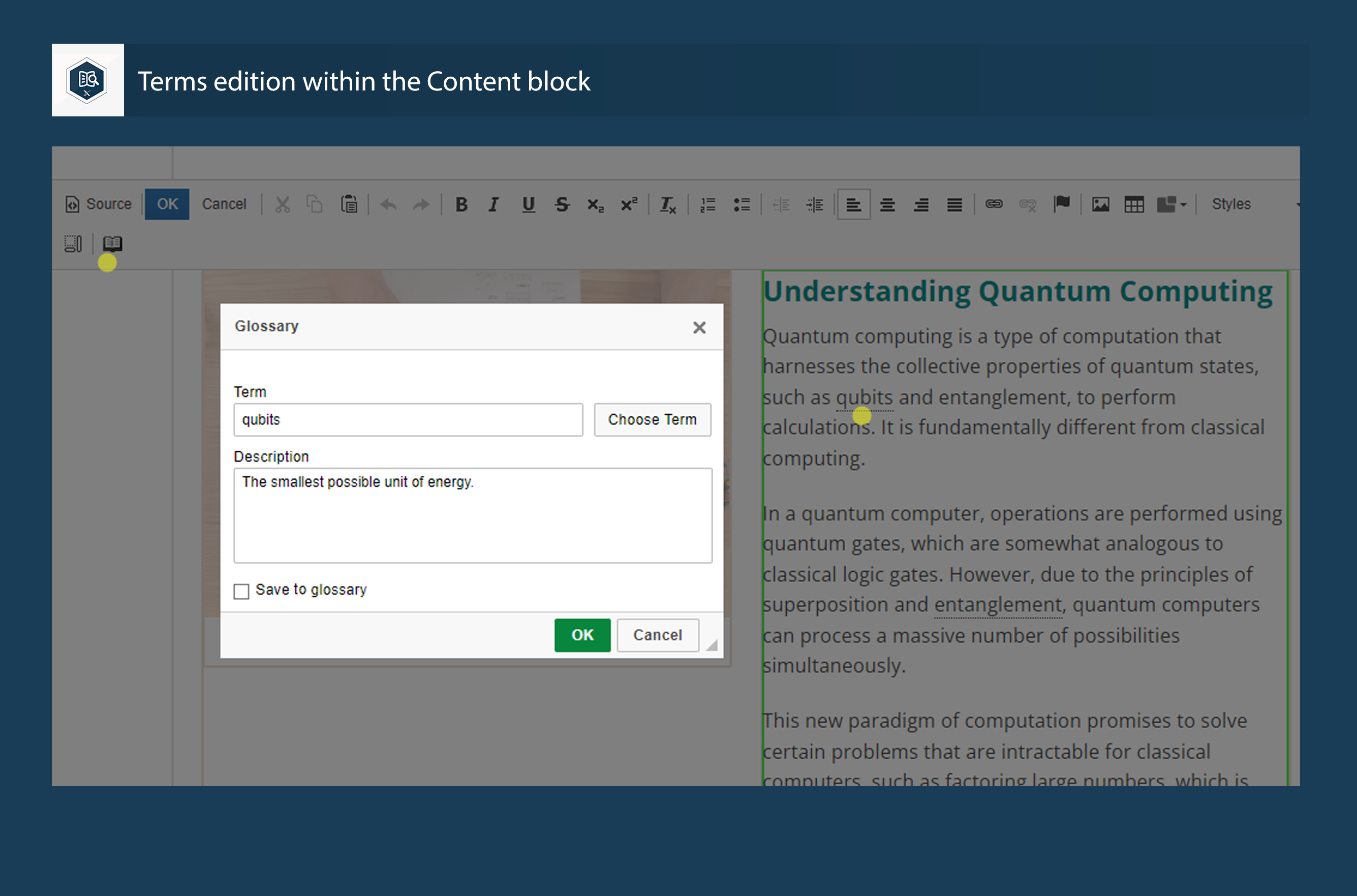
- Insert Terms: Easily insert glossary terms into your rich text content via the CKEditor.
- Search Terms: Utilize the search feature to quickly find and manage terms.
Installation
- Unzip this file in your site's packages/ directory.
- Login to your site as an administrator.
- Find the "Add Functionality" page in your dashboard.
- Find this package in the list of packages awaiting installation.
- Click the "install" button.
Usage
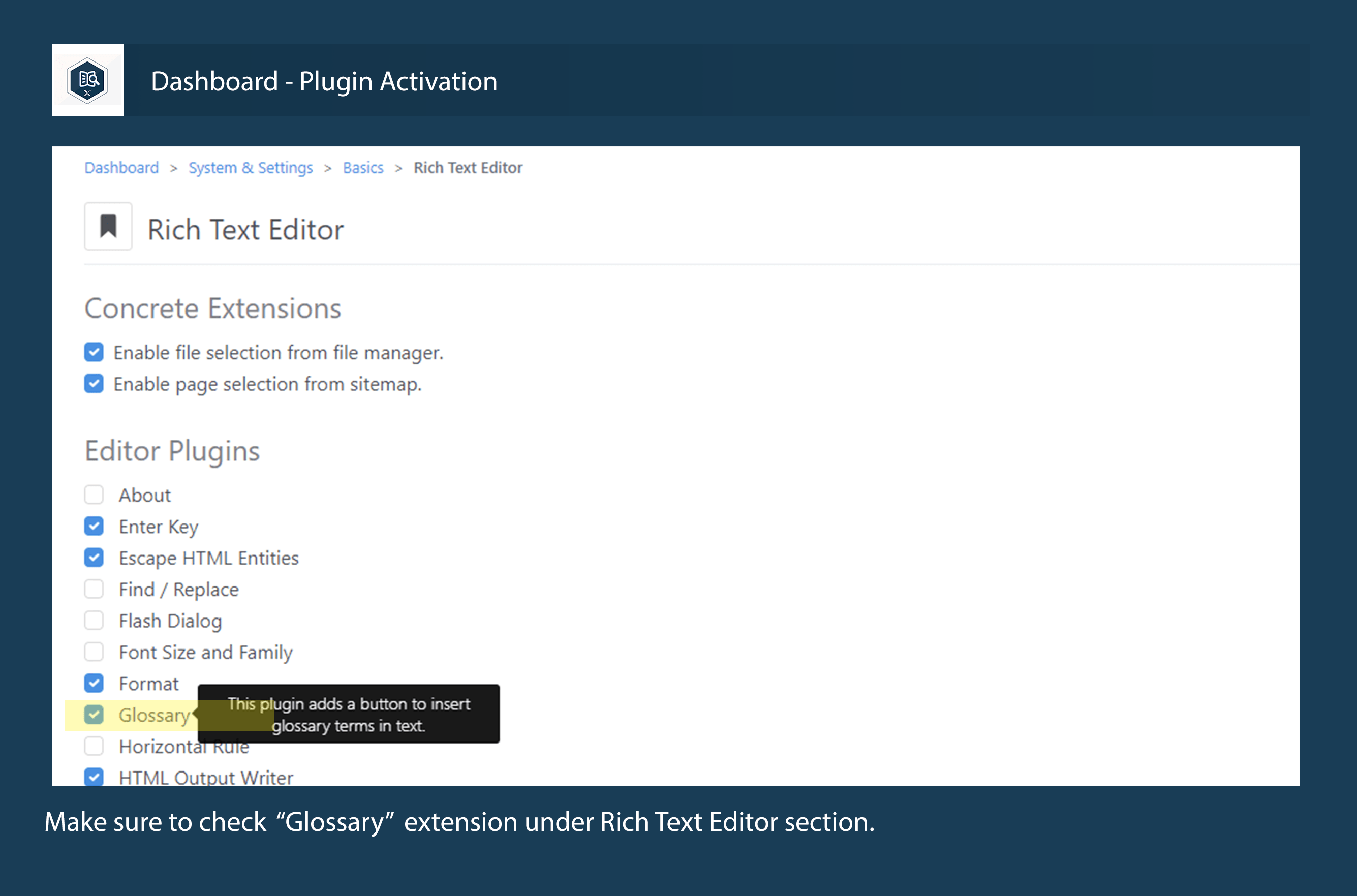
- Navigate to the Rich Text Editor setting page under System and Settings and activated the "Glossary" plugin (Checkbox)
- Use the Glossary Dashboard page to add, edit, or delete terms.
- In your rich text content, use the "Book Icon" to insert and edit glossary terms as needed.
Also Check Out
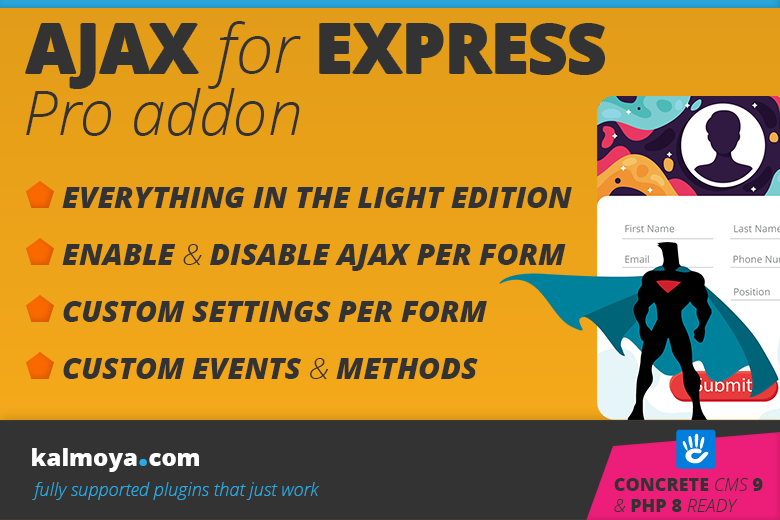
Ajax for Express Forms Pro Addon
The Ajax for Express Forms - Pro Edition is an enhancement add-on for the light version

Container Check
A tool to enhance the visibility and understanding of the structure within containers
Author

Also Check Out
Ajax for Express Forms Pro Addon
The Ajax for Express Forms - Pro Edition is an enhancement add-on for the light version
Container Check
A tool to enhance the visibility and understanding of the structure within containers