AnveVoice

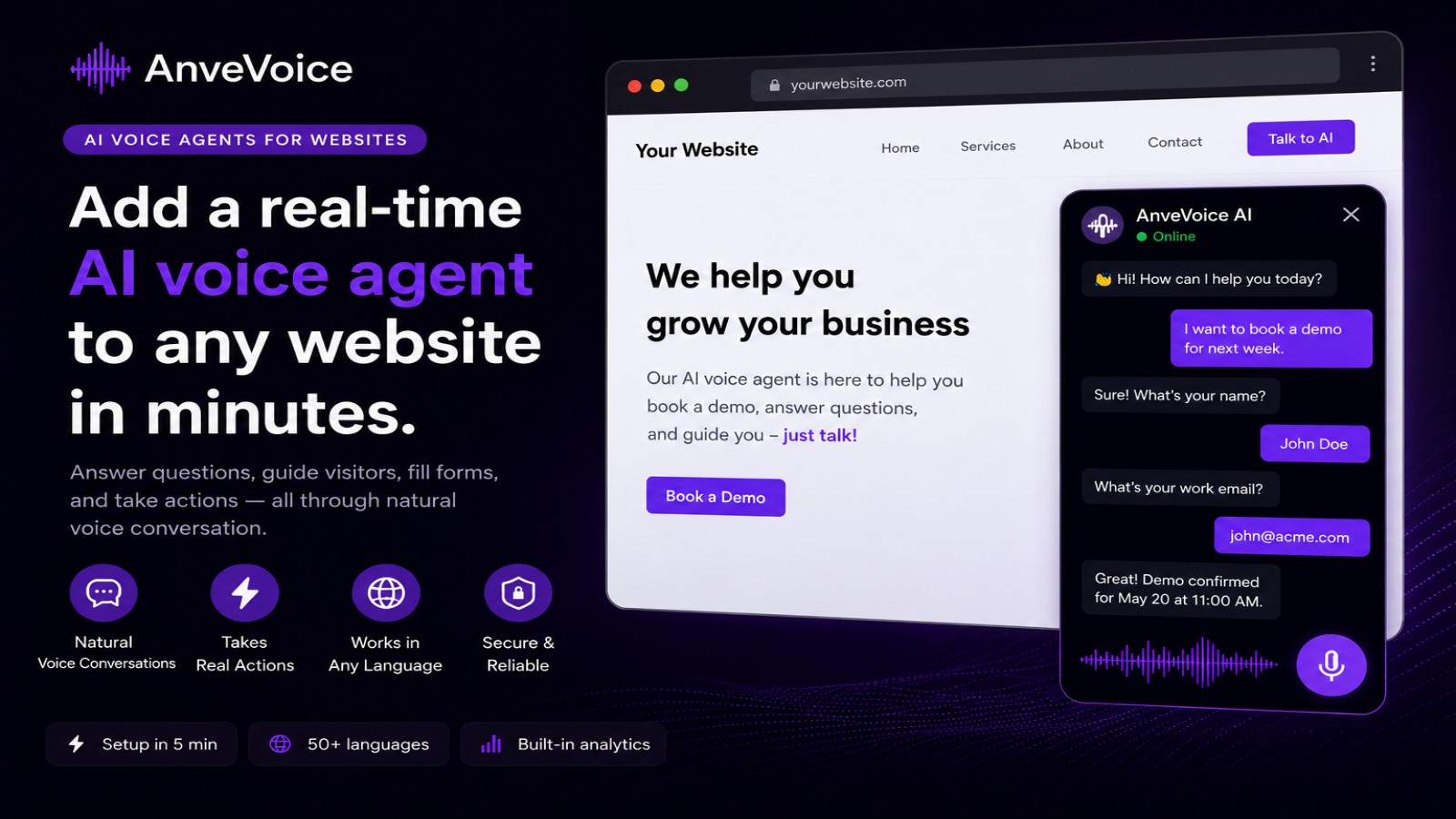
Add an AI voice assistant to your Concrete CMS site in minutes. Visitors speak naturally in 50+ languages, 24/7.
Add an AI voice assistant to your Concrete CMS website in minutes.
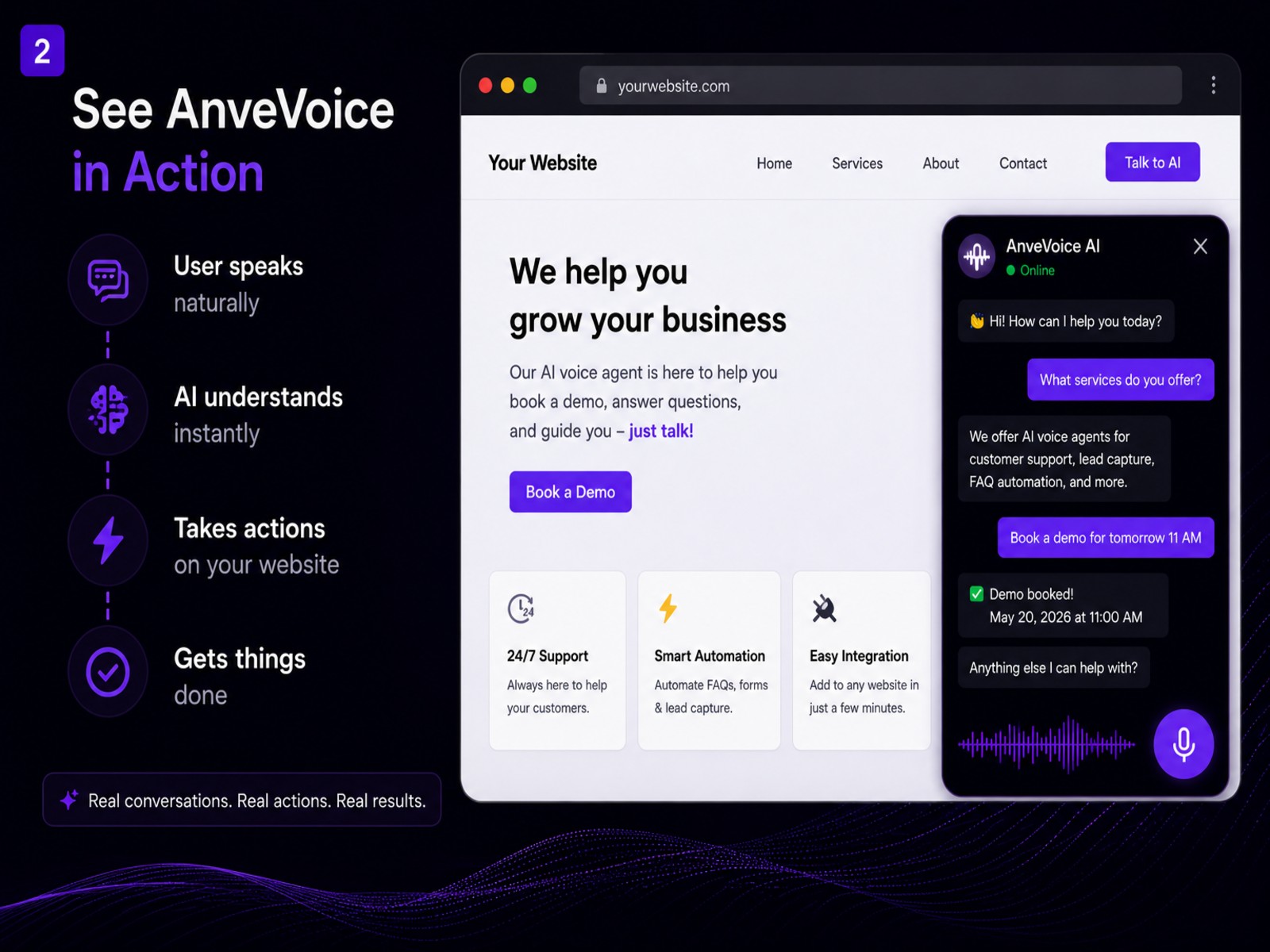
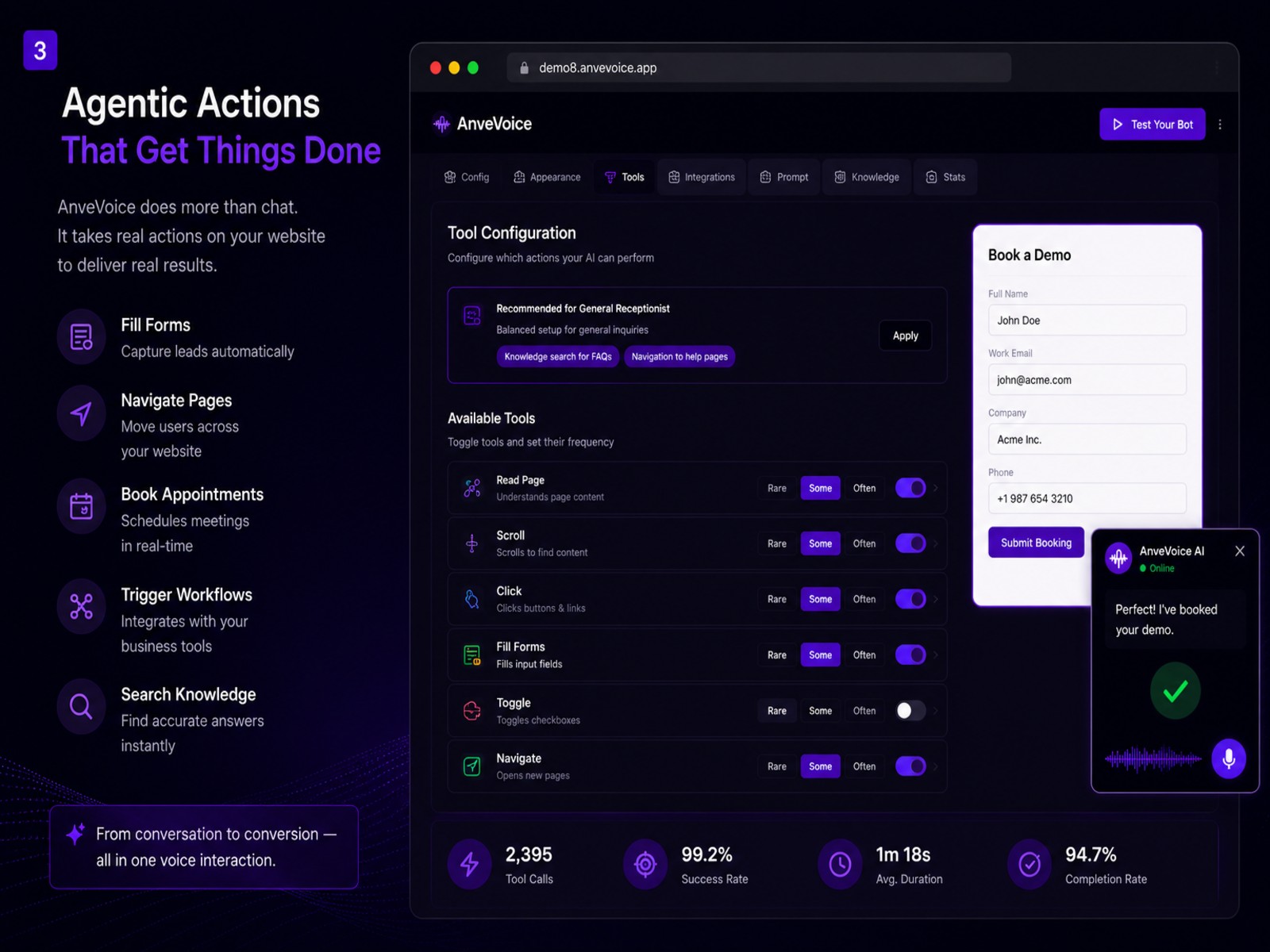
Visitors speak naturally to navigate pages, get instant answers and fill forms — in 50+ languages, 24/7.
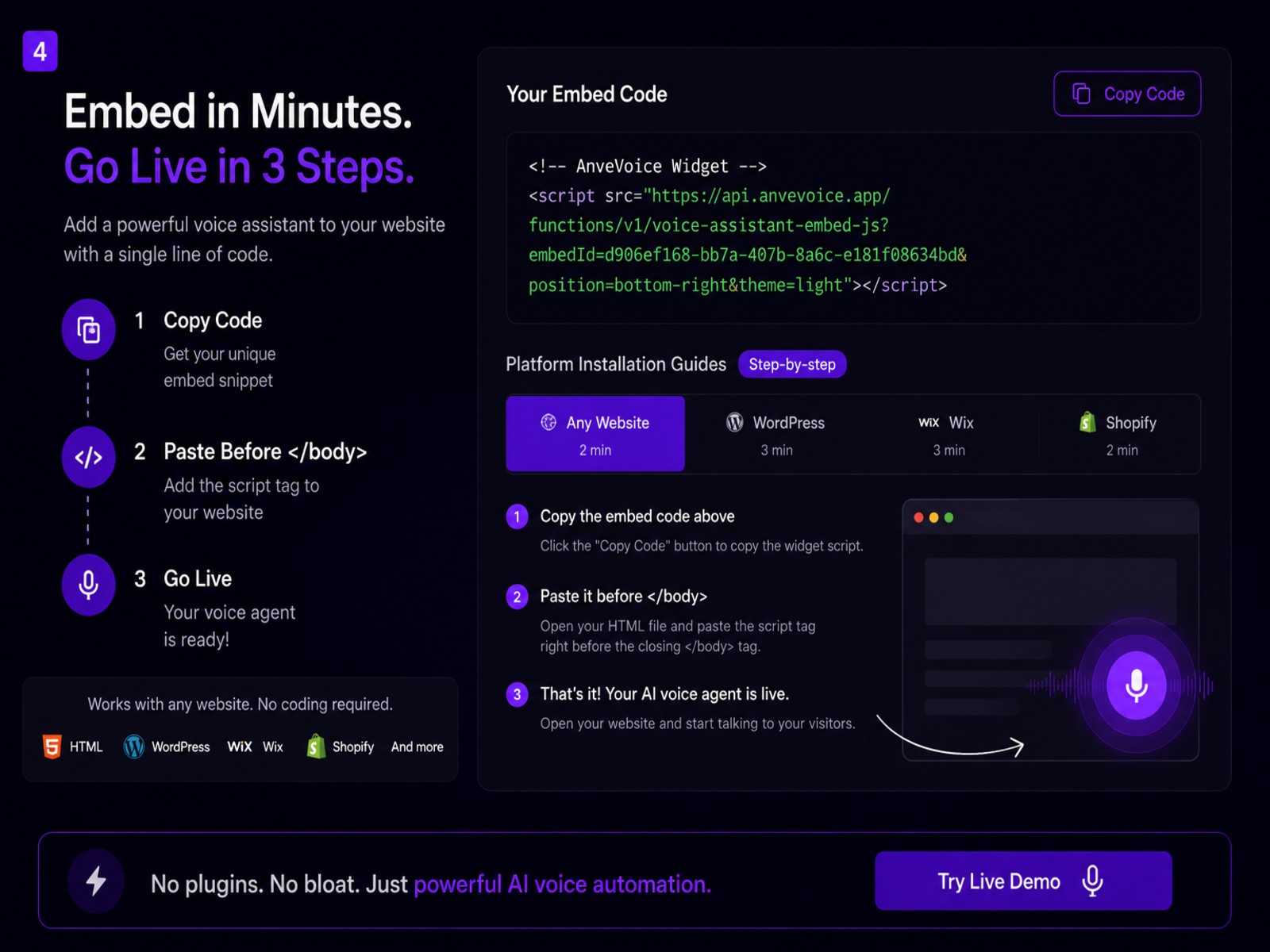
Simply install the addon, paste your Embed ID from app.anvevoice.app and the voice widget appears automatically on every page of your site. No coding needed.
Features:
- Natural voice interaction in 50+ languages
- AI-powered responses trained on your content
- Light & dark theme
- Bottom-left or bottom-right position
- One-field setup — just paste your Embed ID
- Works on every page automatically
Getting Started:
- Install the addon
- Go to Dashboard → AnveVoice Settings
- Paste your Embed ID from app.anvevoice.app
- Save — widget appears on every page!
Also Check Out
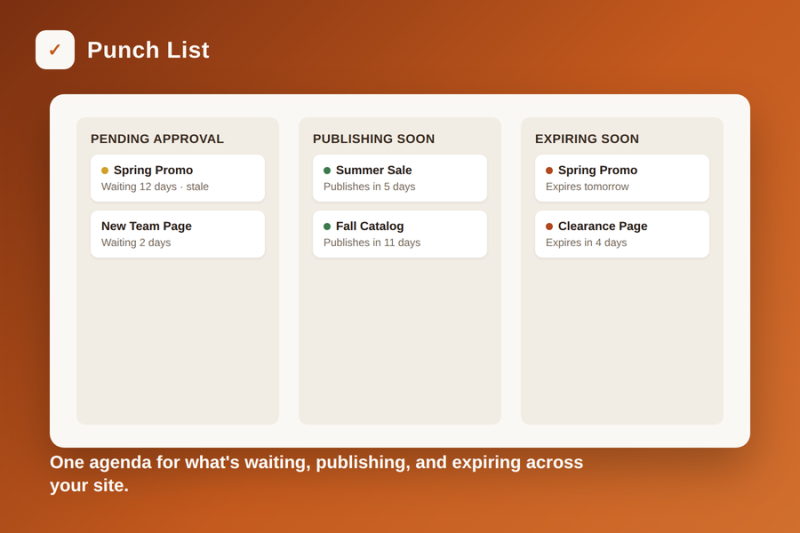
Punch List -- Editorial and Publish-Schedule
One dashboard agenda for pages pending approval (with optional Approve) plus everything scheduled to publish or expire soon. Uses Concrete’s own workflow path.
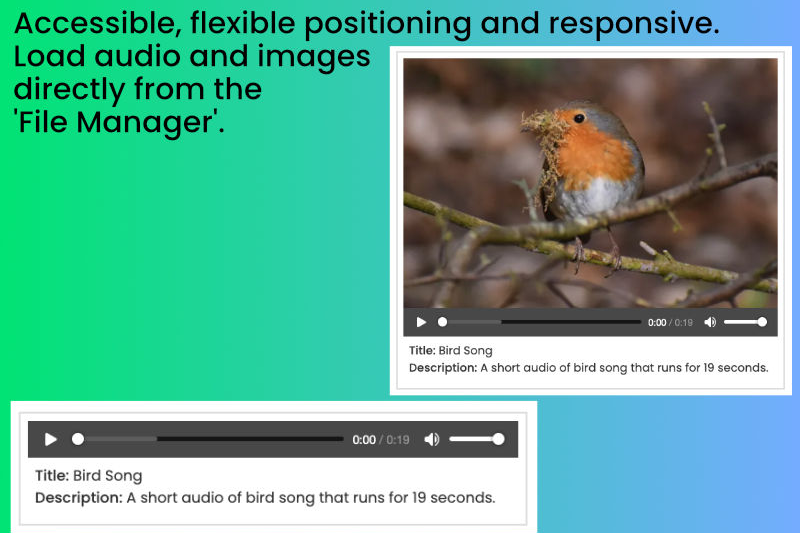
MP3 Player
A beautiful, clean and accessible MP3 audio player with title and description for screen readers below player plus the option to have a poster image above the player.
Author

Also Check Out
Punch List -- Editorial and Publish-Schedule
One dashboard agenda for pages pending approval (with optional Approve) plus everything scheduled to publish or expire soon. Uses Concrete’s own workflow path.
MP3 Player
A beautiful, clean and accessible MP3 audio player with title and description for screen readers below player plus the option to have a poster image above the player.