Wayfinding -- Automatic Table of Contents
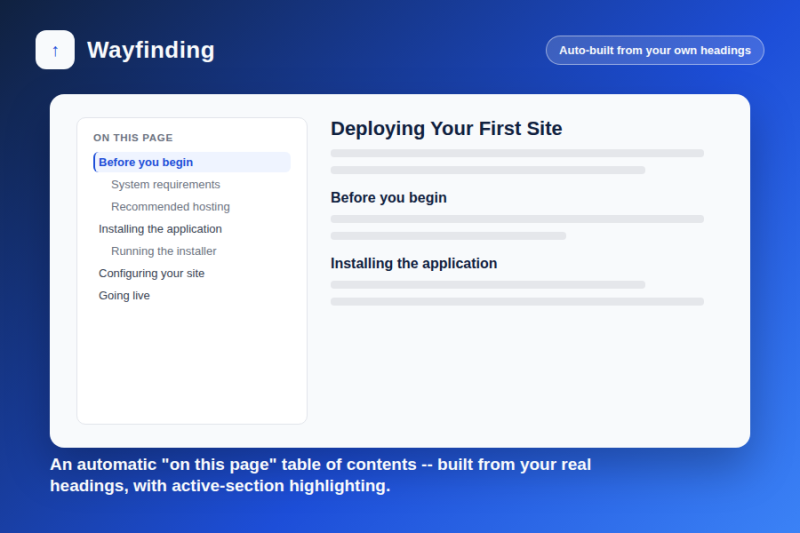
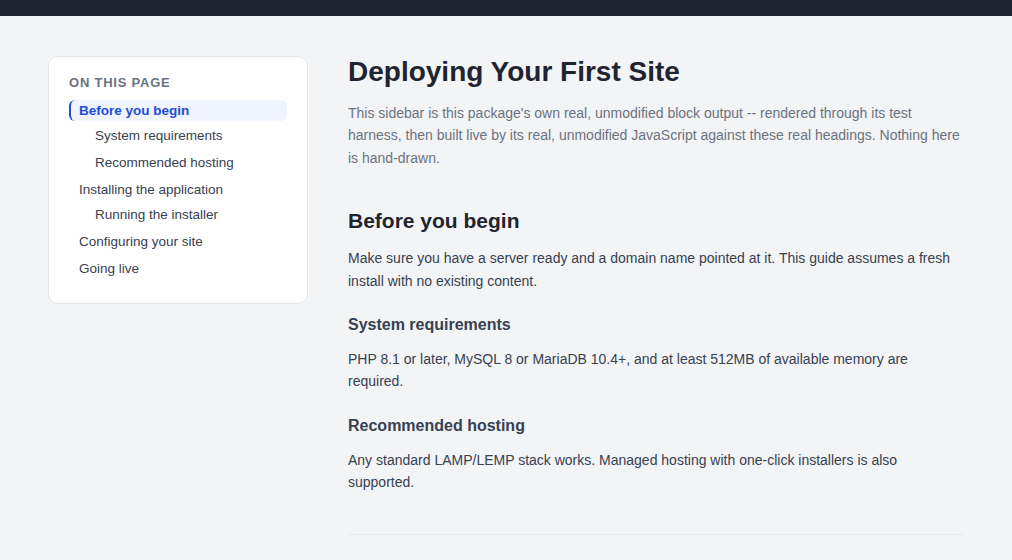
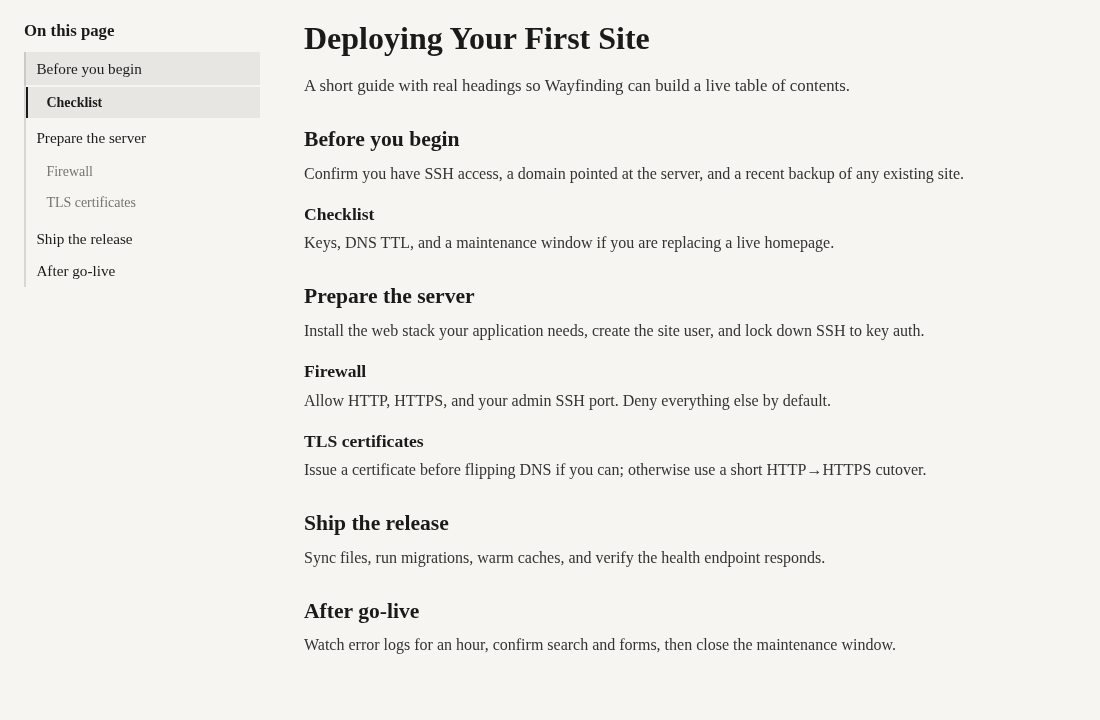
Automatically builds an "on this page" table of contents from your real headings -- with smooth scrolling and active-section highlighting. No list to type or maintain by hand.
Long pages -- documentation, guides, long-form articles -- are easier to read when visitors can jump straight to the section they want. Building that list by hand means retyping it (and re-linking every anchor) every time a heading is added, renamed, or reordered. Wayfinding does it automatically.
Built from your real headings, every time the page loads
Drop a Wayfinding block anywhere on a page (near the top is typical) and it scans the page's own content for headings -- by default every <h2> and <h3> -- and builds a nested "on this page" list from what it finds, with real links to each section. Add, rename, or reorder your headings, and the list follows automatically. Nothing to retype, nothing to keep in sync by hand.
Smooth scrolling and active-section highlighting, both optional
Clicking an entry can smooth-scroll to that section instead of jumping instantly, and the list can highlight whichever section the visitor is currently reading as they scroll -- both are plain on/off settings on the block itself. A scroll-offset setting clears fixed site headers so the section title isn't hidden under them.
Configurable, not one-size-fits-all
Choose which heading levels count as sections (H1 is excluded by default, since it's normally the page title, not a section), narrow which part of the page gets scanned if your theme needs it, and set a minimum heading count below which no list is shown at all -- a two-heading page doesn't need one. Optional Compact and Sticky display templates are available from Design → Custom Template.
Also Check Out
CSS Flip Cards
Go beyond flat, static UIs and discover how to engage users with these accessible CSS flip cards.

Date Counter
Live countdown block for Concrete CMS 9. Pick a date and time, choose from six layout templates, and show an optional message when the timer ends.
Author

Also Check Out
CSS Flip Cards
Go beyond flat, static UIs and discover how to engage users with these accessible CSS flip cards.
Date Counter
Live countdown block for Concrete CMS 9. Pick a date and time, choose from six layout templates, and show an optional message when the timer ends.