Date Counter

Live countdown block for Concrete CMS 9. Pick a date and time, choose from six layout templates, and show an optional message when the timer ends.
Date Counter adds a live countdown block to your Concrete CMS 9 site. Editors pick a target date and time, choose how the timer looks, and optionally set a custom message for when the countdown reaches zero.
Perfect for launches, events, promotions, webinars, registration deadlines, and seasonal campaigns.
Features Target date and time picker using Concrete’s built-in date/time widget Live client-side countdown (days, hours, minutes, seconds) Optional custom message when the countdown ends Six custom block templates: Cards, Compact, Digital, Hero, Minimal, and Stacked Theme-friendly layout (no Bootstrap grid dependency) Vanilla JavaScript (no jQuery required) Block output remains cacheable Translatable strings via Concrete’s t() helper Custom templates Apply a template in edit mode: click the block → Design → choose a template.
Default — labeled units in a centered row Cards — each unit in a raised card Compact — inline values and labels for headers and tight spaces Digital — monospace clock style for banners Hero — large numerals for landing pages Minimal — quieter typography for sidebars and footers Stacked — vertical list for narrow columns Requirements Concrete CMS 9.0 or newer Installation Install the package from Dashboard → Extend Concrete. Add the Date Counter block to a page. Set the target date/time and optional end message. Optionally apply a custom template from the block Design menu.
Also Check Out

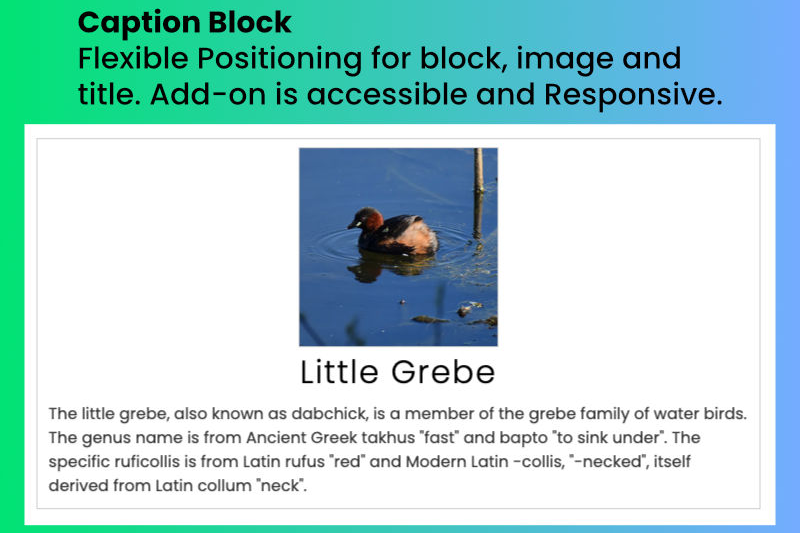
Image Captions
A caption block where an image caption paragraph is a short piece of text that provides context and information about an image.

Footer
Enhance your website with a customizable footer using the Custom Footer add-on for Concrete CMS.
Author

Also Check Out
Image Captions
A caption block where an image caption paragraph is a short piece of text that provides context and information about an image.
Footer
Enhance your website with a customizable footer using the Custom Footer add-on for Concrete CMS.