ROI Calculator
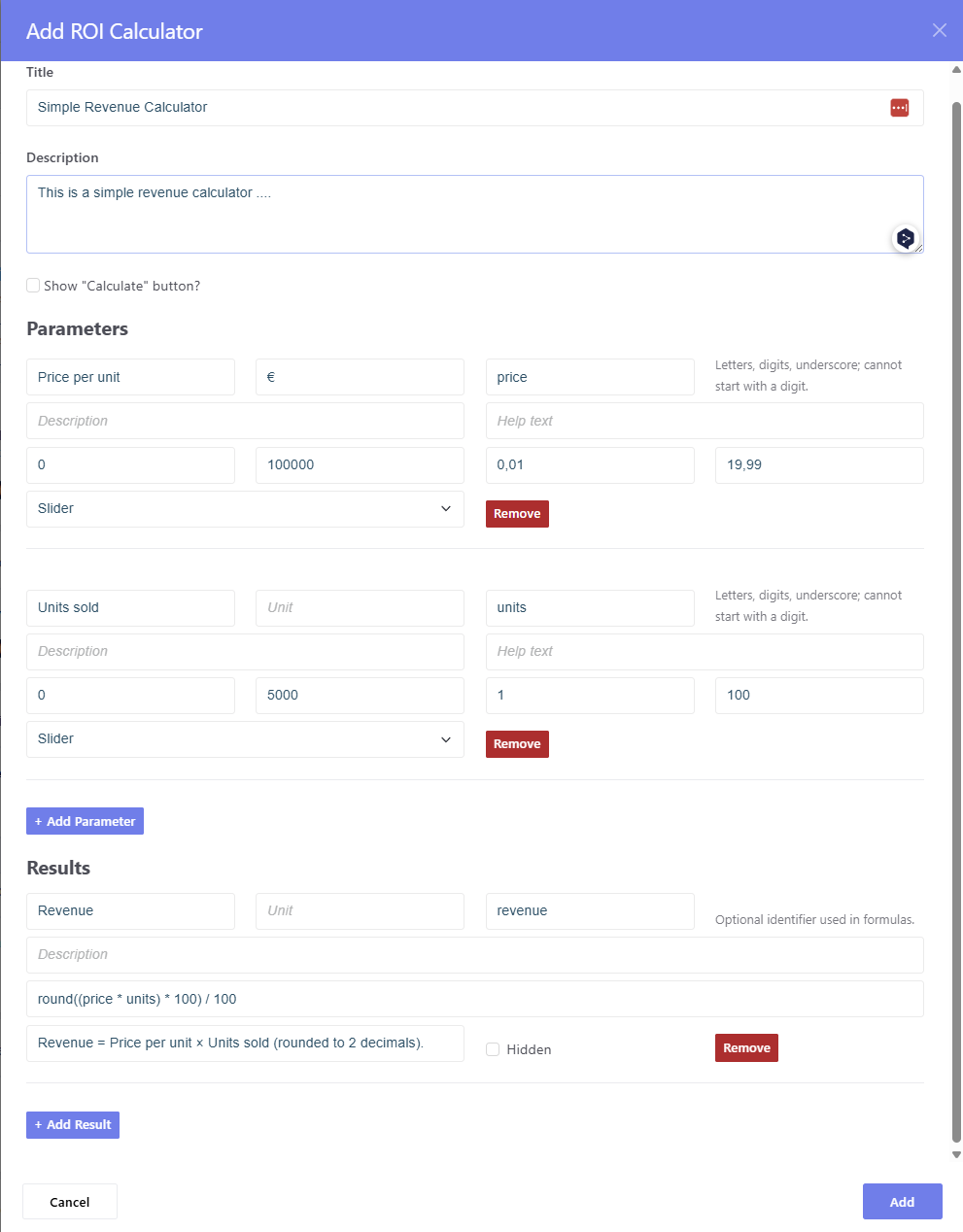
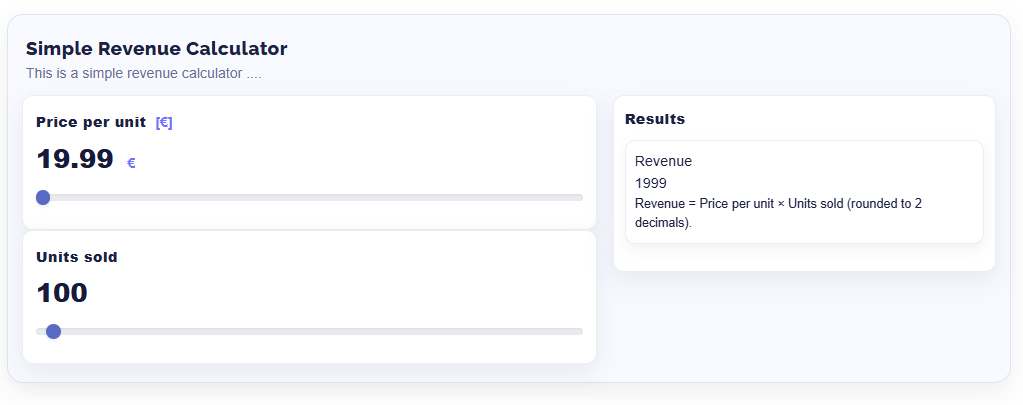
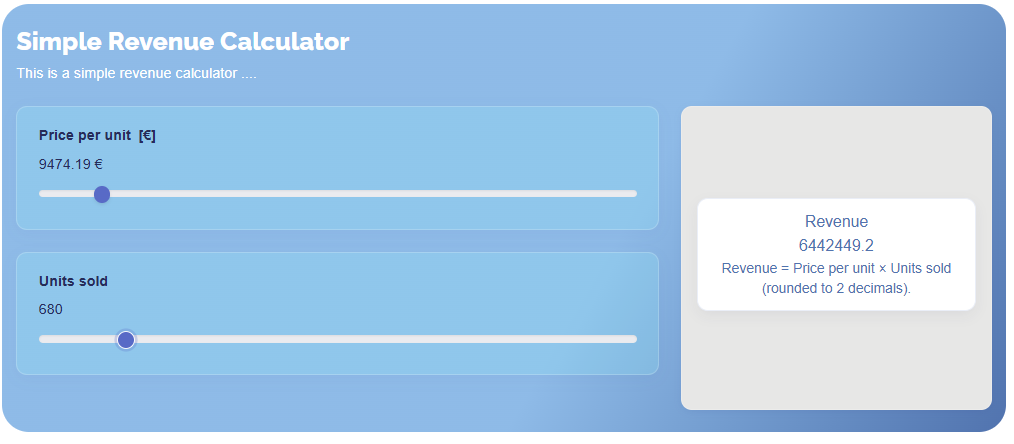
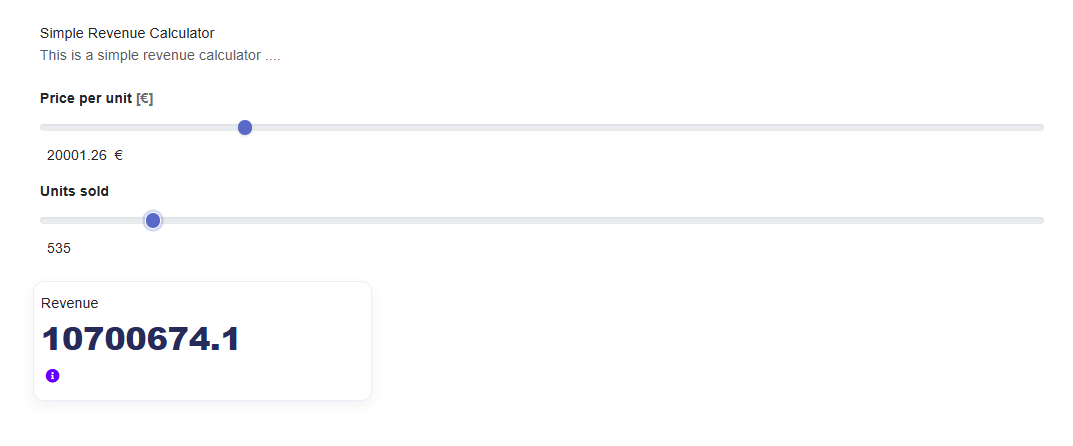
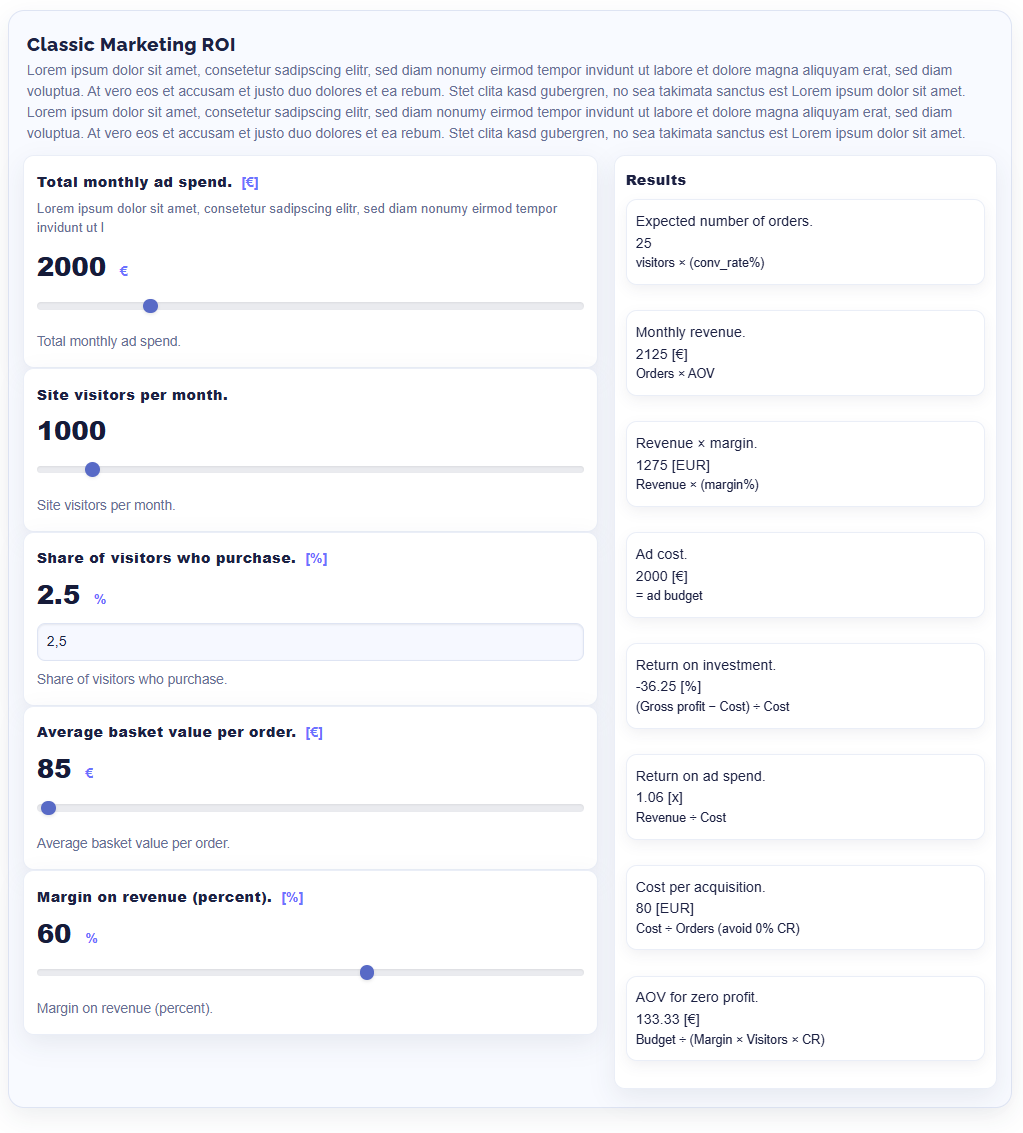
ROI Calculator for Concrete CMS: an interactive calculator block with configurable parameters, formulas, and results. Supports multiple instances per page, a clean two-column results grid, tooltips, translations, and modern templates.
ROI Calculator
Build interactive ROI and business calculators for your visitors — directly in Concrete CMS, without writing code. Editors define inputs and formulas in the block dialog; visitors see the results update live as they move a slider or type a value. Ideal for marketing ROI, e-commerce KPIs, SaaS funnels, pricing and break-even calculators.
Highlights
- Flexible inputs – number fields or sliders with name, unit, variable key, min / max / step / default and help text
- Headings & groups – structure long forms with section headings
-
Powerful formulas –
+ - * / ^ ( ), comparisons,round,floor,ceil,abs,min,max,sqrt,if(condition, then, else)andcondition ? a : b; reference inputs by key or by{{Display Name}} - Chained results – results can use other results, in any order; circular references are detected
-
Number formatting per result – decimal places, thousands and decimal
separator (e.g.
60.012,50or60,012.50) plus unit - Live formula check in the editor – unknown variables, syntax errors and circular references are highlighted while typing
- Clear editor for large calculators – tabs for General / Parameters / Results, collapsible entries with a summary line, sorting via ↑/↓
- Custom CSS class per input and result – e.g. show "costs before" in red and "costs after" in green
- Live or on demand – results update instantly or after a click on "Calculate"
- Hide intermediate results – calculate helper values without showing them
- Three templates – Default, Modern and Neo
- Multiple calculators per page – each block instance works independently
Common Use Cases
- Marketing ROI simulations and budget scenarios
- E-commerce KPIs: orders, AOV, margin, ROAS, CPA
- SaaS funnels: leads → trials → subscriptions, ARPA, LTV, CAC, payback
- Pricing, break-even, savings and project calculators
Example
| Input | Key | Default |
|---|---|---|
| Investment (€) | investment |
10,000 |
| Monthly savings (€) | savings |
500 |
| Term (months) | term |
24 |
| Result | Formula | Output |
|---|---|---|
| Total savings | savings * term |
12.000,00 € |
| ROI | round((savings * term - investment) / investment * 100, 2) |
20 % |
| Payback period | if(savings == 0, 0, investment / savings) |
20 months |
Security
- Formulas are evaluated with a maintained, patched expression parser
(expr-eval-fork 3.x) – no
eval, works with a strict Content Security Policy (nounsafe-evalneeded) - Formulas can only call whitelisted functions
- Help text HTML is sanitized, all output is escaped
Requirements
- Concrete CMS 9.0.5 or newer
- PHP 7.4 or newer (8.1+ recommended)
- Help tooltips in the Default template use the theme's Bootstrap 5 JS and Font Awesome (info icon)
Installation & Usage
- Install the add-on via Dashboard → Extend Concrete.
- Add the ROI Calculator block to a page.
- General tab: title, description, optional "Calculate" button.
- Parameters tab: add inputs (field or slider) and optional headings.
- Results tab: add formulas and, if needed, a number format and CSS class.
- Choose a template via the block's design options and save.
Tips
- Round to two decimals:
round(expr, 2)– or simply set Decimal places to 2 in the result's number format. - Avoid division by zero:
if(denominator == 0, 0, expr)ordenominator == 0 ? 0 : expr. - Style individual values with the CSS class field, e.g.
.roi-cost-before .roi-result-value { color: #c62828; }
Also Check Out

Omni Gallery
Ultimately flexible bundling more galleries, sliders and carousels than you can ever use, all in one addon. Many ways to list and filter images. Many galleries and sliders to display them. Many ways to add titles and descriptions.


Services
This add-on allows for the seamless integration of service offerings onto your website, providing a dynamic way to showcase the services you provide.
Author

Also Check Out
Omni Gallery
Ultimately flexible bundling more galleries, sliders and carousels than you can ever use, all in one addon. Many ways to list and filter images. Many galleries and sliders to display them. Many ways to add titles and descriptions.
Services
This add-on allows for the seamless integration of service offerings onto your website, providing a dynamic way to showcase the services you provide.