Tallacmans Image HR


Most horizontal rules are invisible infrastructure — a thin gray line and nothing more. Image HR is different. It combines the structure of an
with the personality of a profile photo or brand icon, so section breaks become design elements editors can
Tallacman's Image HR for Concrete CMS
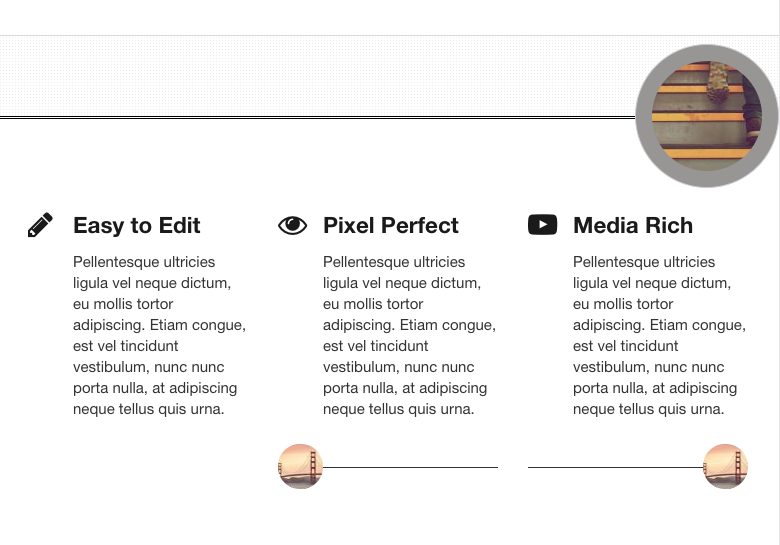
Tallacman's Image HR turns a plain horizontal rule into a visual anchor — a circular photo, portrait, or logo sitting right on the line, breaking it cleanly on both sides. No custom HTML. No theme hacks. No guessing how it will look on the page.
Built for Concrete CMS 9, this block gives editors something the marketplace rarely offers: a decorative divider that puts a face or brand mark at the center of the break. Team headshots, speaker photos, timeline markers, logo accents — drop an image, tune the frame, and publish a section break that feels intentional, not accidental.
Your line gets a logo. Your page gets a moment.
Why editors love it
Most horizontal rules are invisible infrastructure — a thin gray line and nothing more. Image HR is different. It combines the structure of an <hr> with the personality of a profile photo or brand icon, so section breaks become design elements editors can actually use.
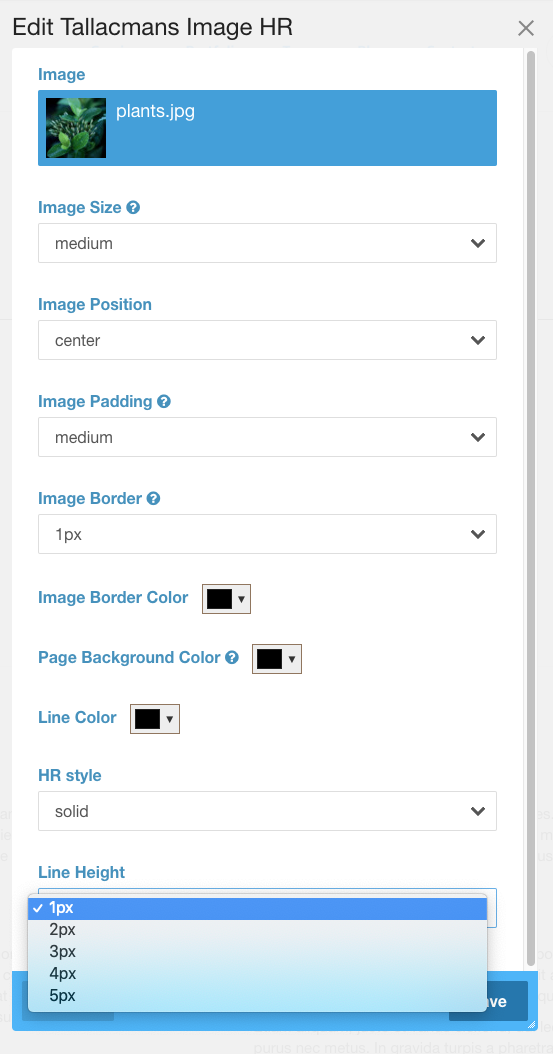
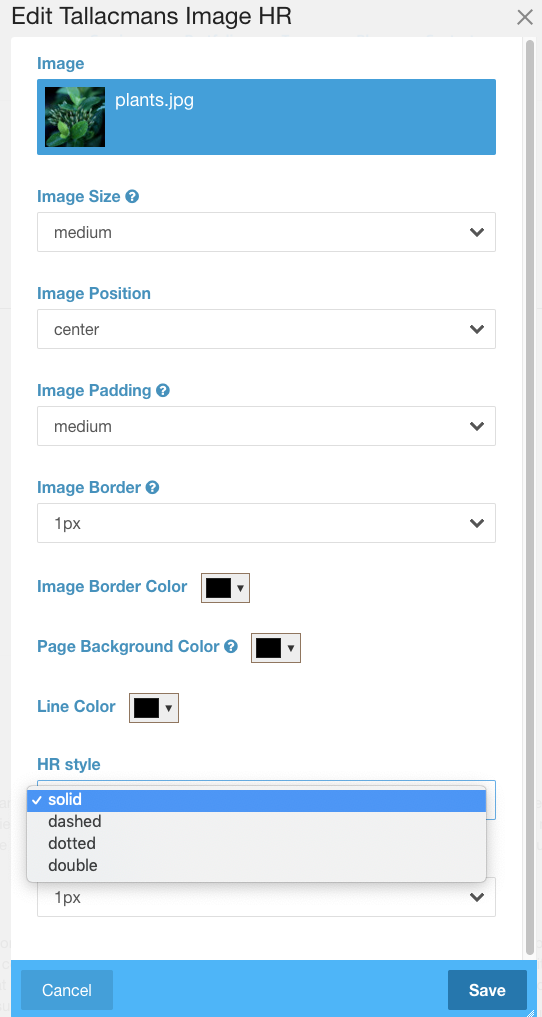
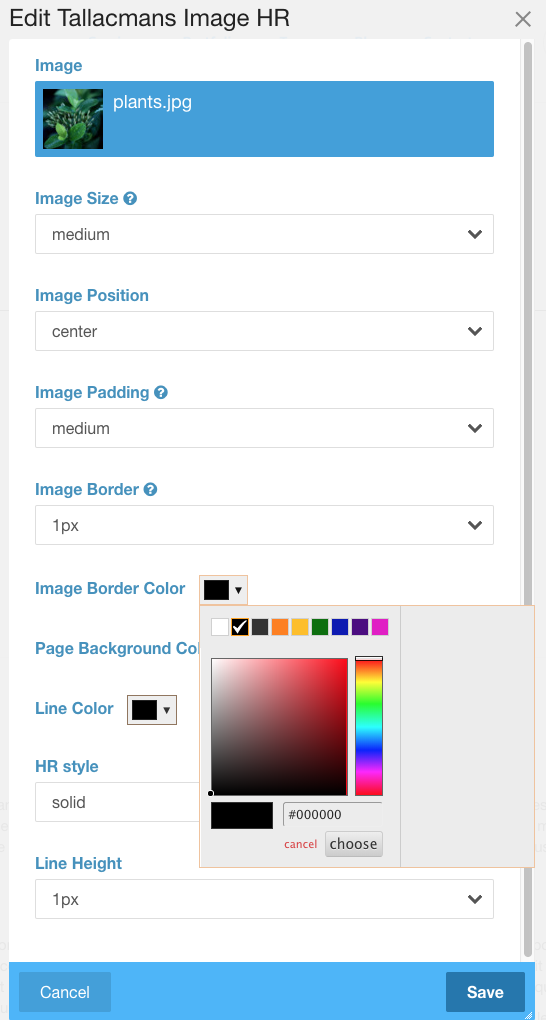
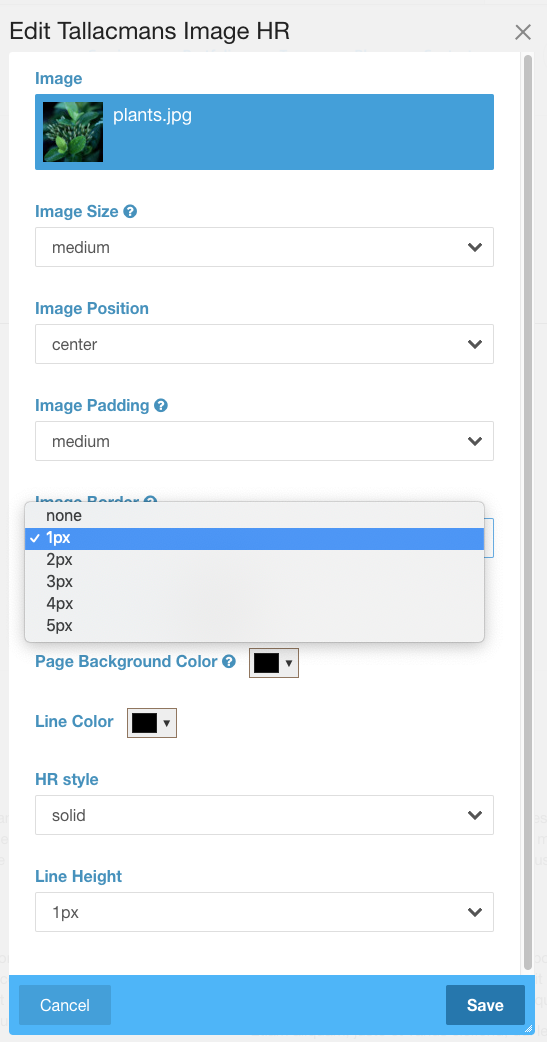
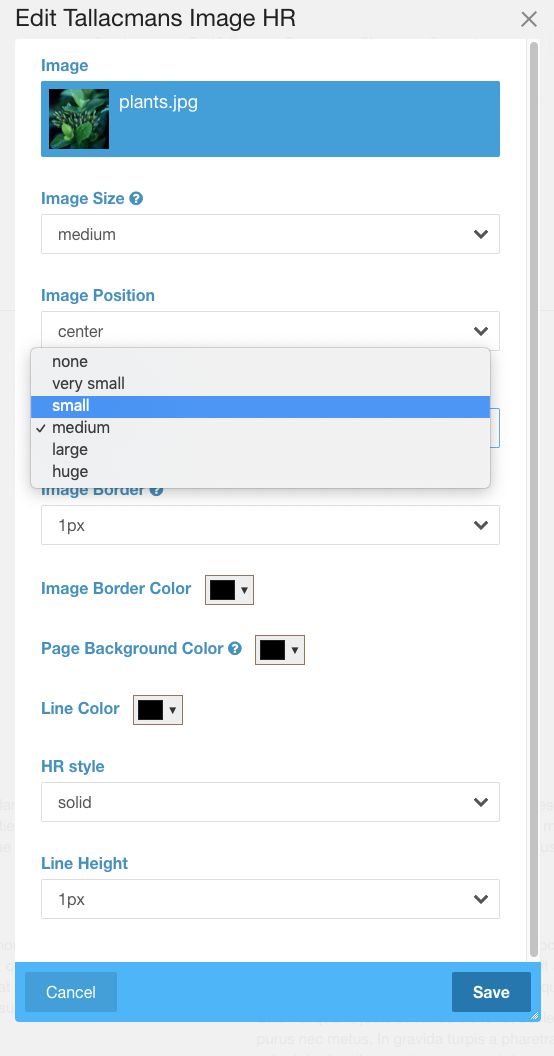
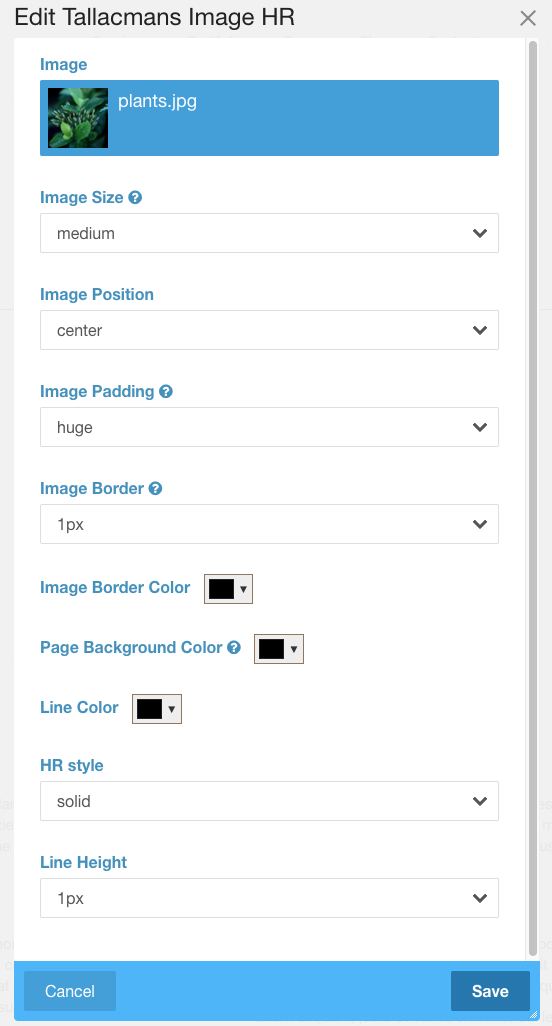
The side-by-side editor shows a sticky live preview that updates as you pick an image and adjust every setting. What you see while editing is what visitors get on the page — including the optional drop shadow that softens on hover for a polished, interactive touch.
Features
Image on the line — the way it should look
- Circular image frame — Center a photo, logo, or icon directly on the horizontal rule.
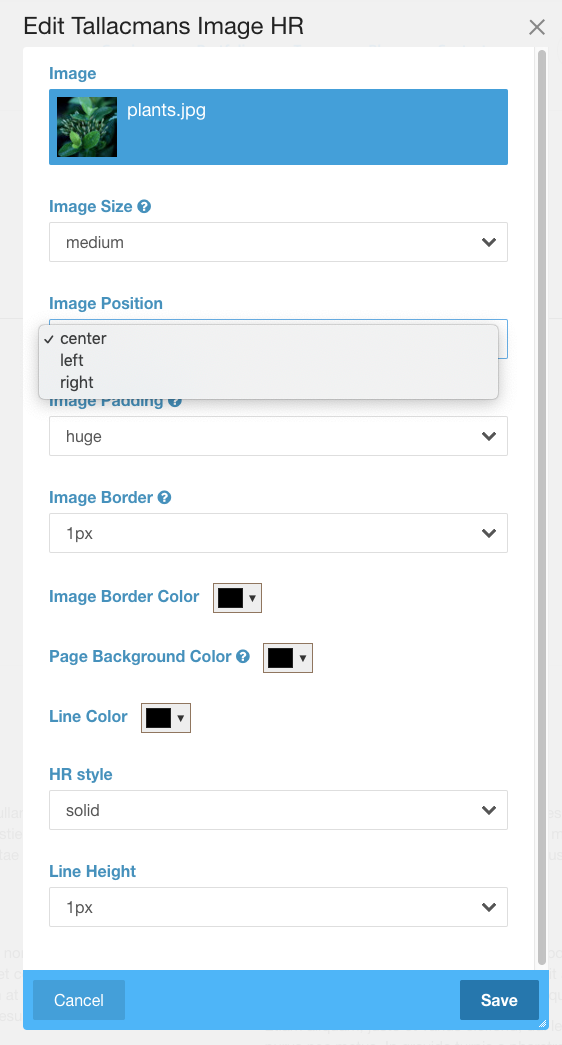
- Left, center, or right placement — Match your layout: avatar at the start of a bio, logo centered between sections, or a portrait anchored to the right.
- Seamless line break — Match the frame background to your page so the rule vanishes cleanly behind the circle instead of cutting through it.
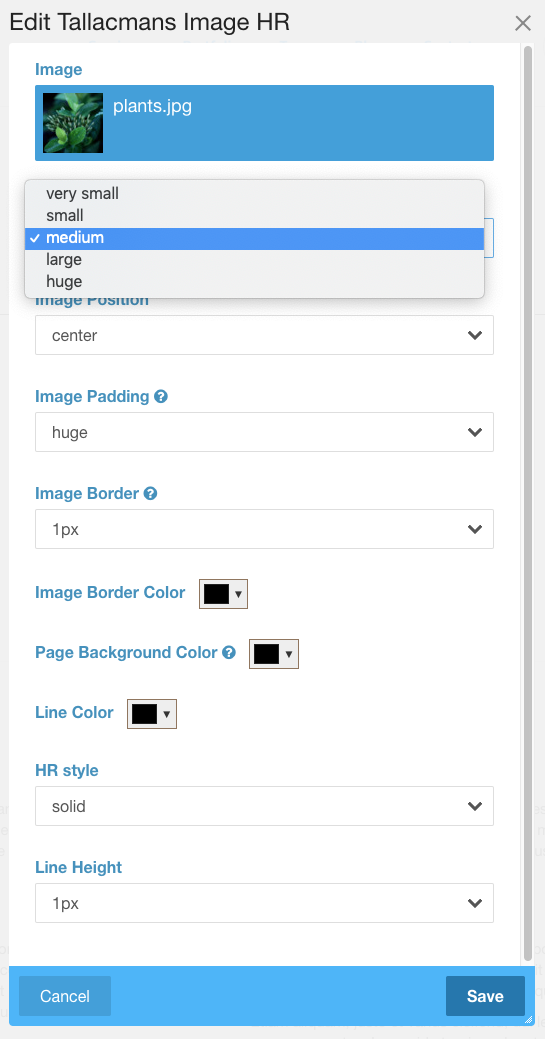
- Pixel-precise sizing — Set circle diameter, inner padding, and border width in px — not vague presets.
Rule styling
- Line color, thickness, and style — Solid, dashed, dotted, or double, all in pixels.
- Smart double-line handling — Choosing double automatically sets the minimum thickness so both lines always render correctly.
- Independent margins — Top and bottom spacing in px, with auto-suggested values based on image size.
Editor experience
- Sticky live preview — Image, frame, line, and shadow update instantly as you work.
- Native color pickers — Fast, reliable color selection without legacy picker dependencies.
- Clear guidance in the UI — Helpful notes where settings need context (like double-line thickness).
Optional drop shadow
- Centered glow — Blur, opacity, and color controls for a soft halo around the image circle.
- Hover-reactive — Shadow clears when visitors hover the image for a refined interactive effect.
Built for Concrete CMS 9
- Modern block edit interface with organized fieldsets
- Concrete CMS 9 coding standards throughout
- Upgrade-safe migrations from legacy block instances — existing sites keep working
What makes it unique
Concrete CMS has plenty of image blocks and plenty of ways to add lines — but almost nothing that merges them into one polished divider. Tallacman's Image HR is built specifically for that job: a circular image on the rule, with the line breaking left and right, frame styling included, and a live preview so editors never have to publish-and-pray.
If your site uses people, brands, or milestones to organize content, this is the block that makes section breaks part of the story — not an afterthought.
Ideal for
- Team and about pages — Headshots between department sections or leadership bios
- Speaker and event pages — Portrait dividers between sessions or presenters
- Timelines and milestones — A visual marker at each chapter of a story
- Brand-forward layouts — Logo-centered dividers that reinforce identity
- Author and blog profiles — Avatar breaks between articles or contributor sections
- Landing pages — A memorable visual pause before the next call to action
Short marketplace description
Add a decorative horizontal rule with a centered circular image — photo, logo, or icon — plus frame styling, pixel-precise controls, sticky live preview, and optional hover-reactive drop shadow. Built for Concrete CMS 9.
One-liner
The horizontal rule that puts a face — or a logo — on your section breaks.
Tagline options
- Put a face — or a logo — on your section breaks.
- Your divider. Their photo. Zero custom code.
- Section breaks with a visual anchor.
- More than a line. A moment.
Usage
- Add Tallacman's Image HR to your page or area.
- Under Image, choose a file from the asset library.
- Set position (center, left, or right), size, padding, and border for the circular frame.
- Match the background color to your page so the line breaks cleanly behind the image.
- Style the line — color, thickness, style, and margins.
- Optionally enable drop shadow for blur, opacity, color, and hover behavior.
- Save and publish — the live preview already showed you the result.
Give your pages a divider worth noticing — polished, personal, and impossible to replicate with a plain <hr>.
Also Check Out
Tallacmans Bodacious Buttons
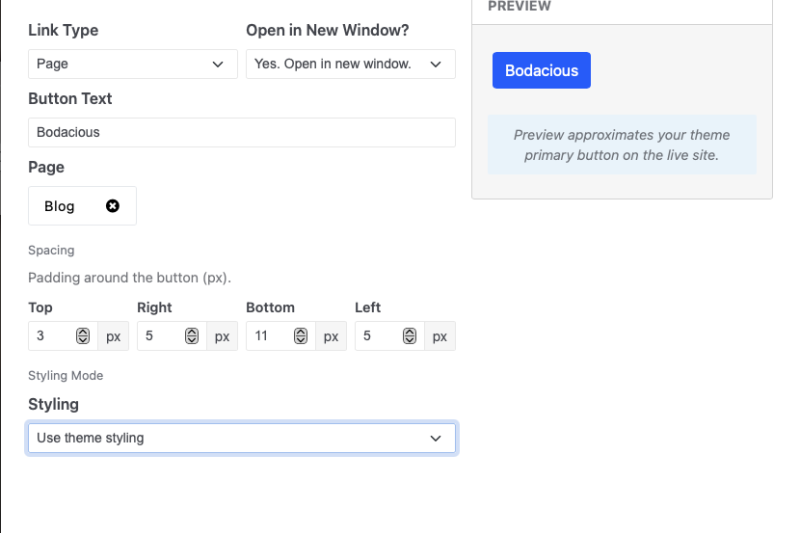
Add polished call-to-action buttons anywhere on your Concrete CMS site. Link to pages, URLs, or files; control spacing; match your theme or customize colors, typography, borders, and hover states—with a live preview as you edit.
Author

Also Check Out
Tallacmans Bodacious Buttons
Add polished call-to-action buttons anywhere on your Concrete CMS site. Link to pages, URLs, or files; control spacing; match your theme or customize colors, typography, borders, and hover states—with a live preview as you edit.